 LLM Academytrain your own private AI, on your own computer
Build your own AI. Keep it private.
LLM Academy is a desktop app that lets anyone turn an open-source AI model into their own specialist, and use it entirely on their own machine. Chat with local models, build a custom expert in three guided steps, fine-tune with full control when you want it, then export or serve your model, all with no code and nothing leaving your computer.
The whole journey, from first chat to your own trained model.
Most AI apps let you talk to someone else's model in the cloud. LLM Academy gives you the full loop on your own machine: find and download open models, chat with them privately, shape one into a specialist for your work, train it as deeply as you like, then export it or plug it into your own tools. No accounts to manage, no data sent away, no machine-learning background needed.
See it in action
Watch LLM Academy build and train a model.
Three short demos: turn an open model into a specialist with the Expert Builder, fine-tune it with full control, or just ask the built-in agent to train one for you.
No-code Expert Builder
Pick a base model, start from a real role (HR, developer, legal, finance and more), add your data, and train a specialist, no machine-learning background needed.
Train a specialist for almost anything
Start from 365 ready-made “train a specialist” recipes across support, sales, legal, RAG, personas, coding and more, or define your own and let the connected LLM author the data and train it.
Full control, on your hardware
Configure and launch QLoRA / LoRA training with a hardware planner that reads your VRAM, so memory-efficient fine-tuning runs on consumer GPUs.
Ship your model anywhere
Export your trained model as GGUF to run on a normal laptop, a tiny LoRA adapter to share, or a merged full model, then test it straight back in chat.
Day one
A private chat that feels familiar from the first minute.
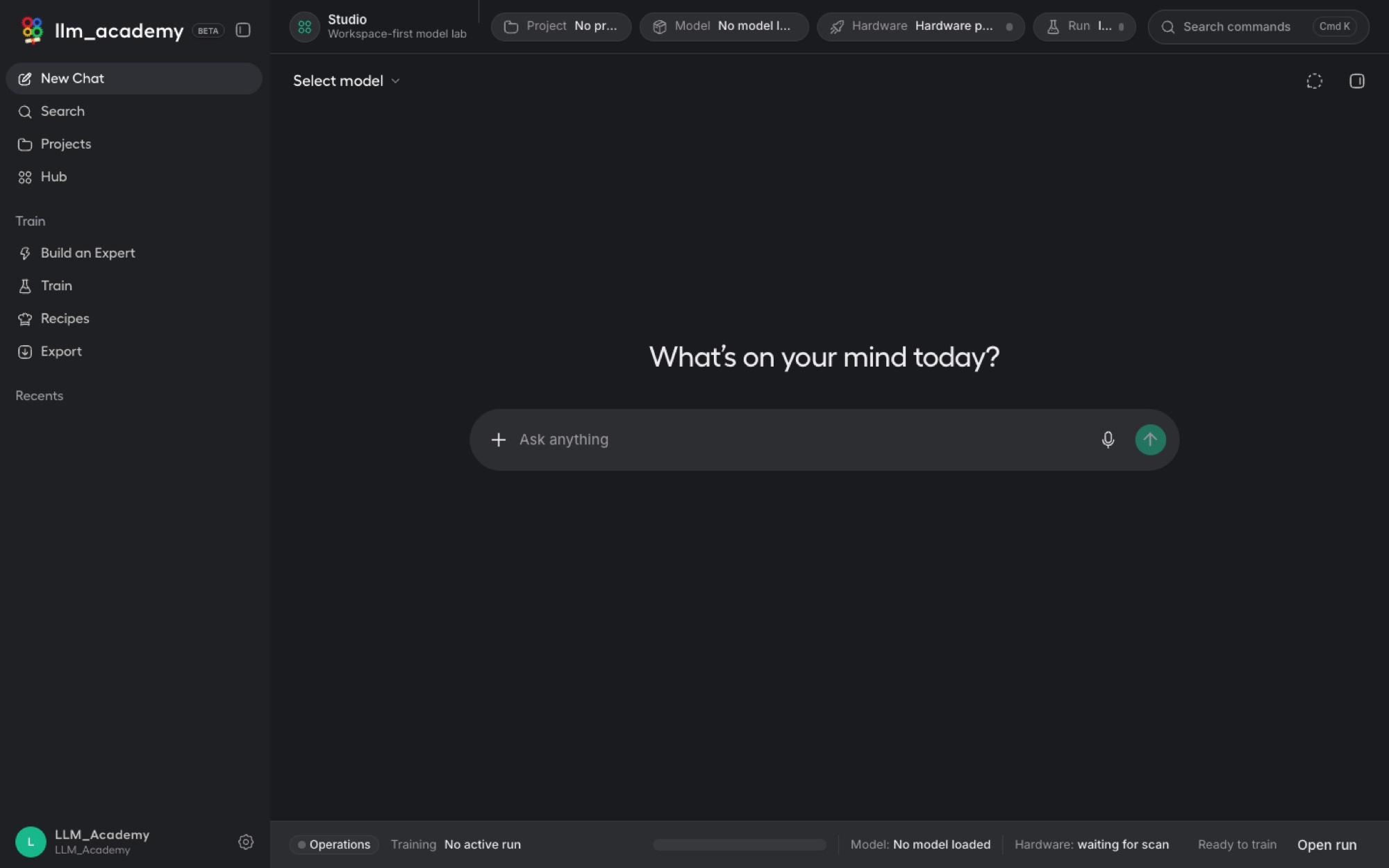
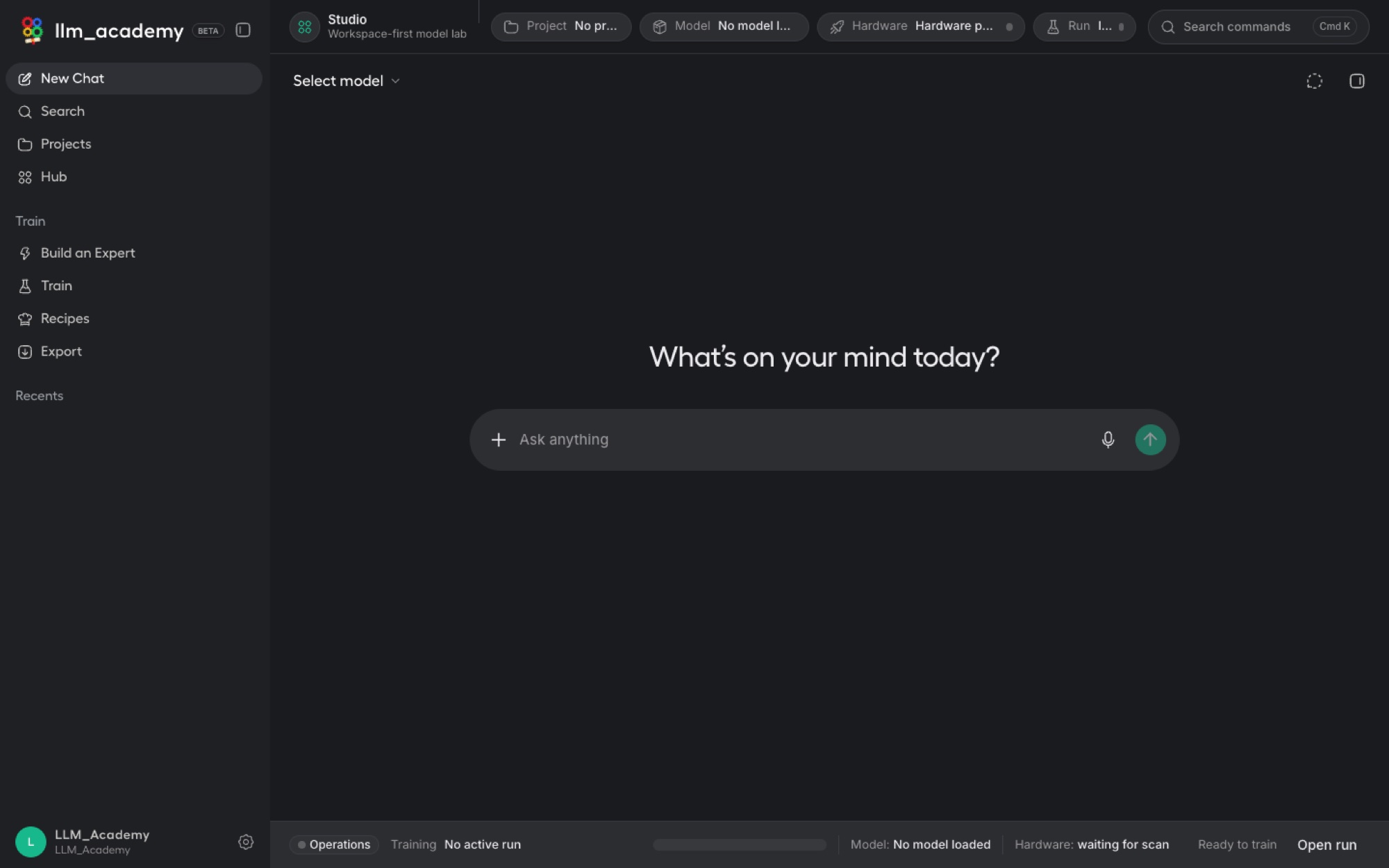
Open the app and you get a clean, chat-style workspace, except the model answering you runs on your own computer. It is the launch pad for everything else: pick a model, ask a question by typing or voice, and reach every advanced tool from the sidebar.
Just ask
Choose a model from the picker and type into the prompt box, or use your voice. Answers come back instantly, and nothing is sent to the cloud. Past conversations gather under Recents so you can pick any of them back up.
Find anything you said before
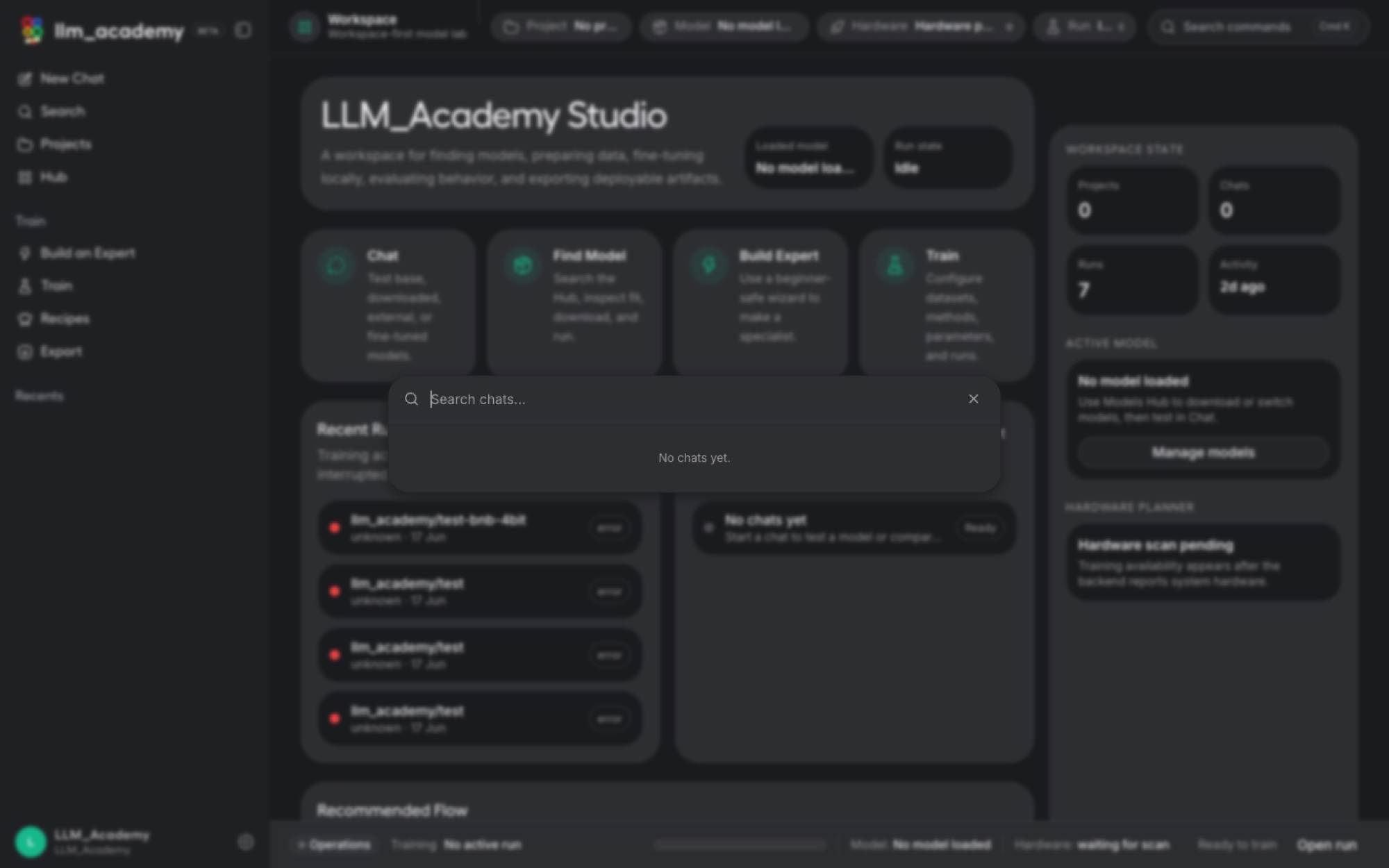
Search across your whole chat history by keyword to jump straight back into an earlier thread, instead of scrolling. Your local chats become a private, reusable knowledge base you actually keep.
Tools only when you want them
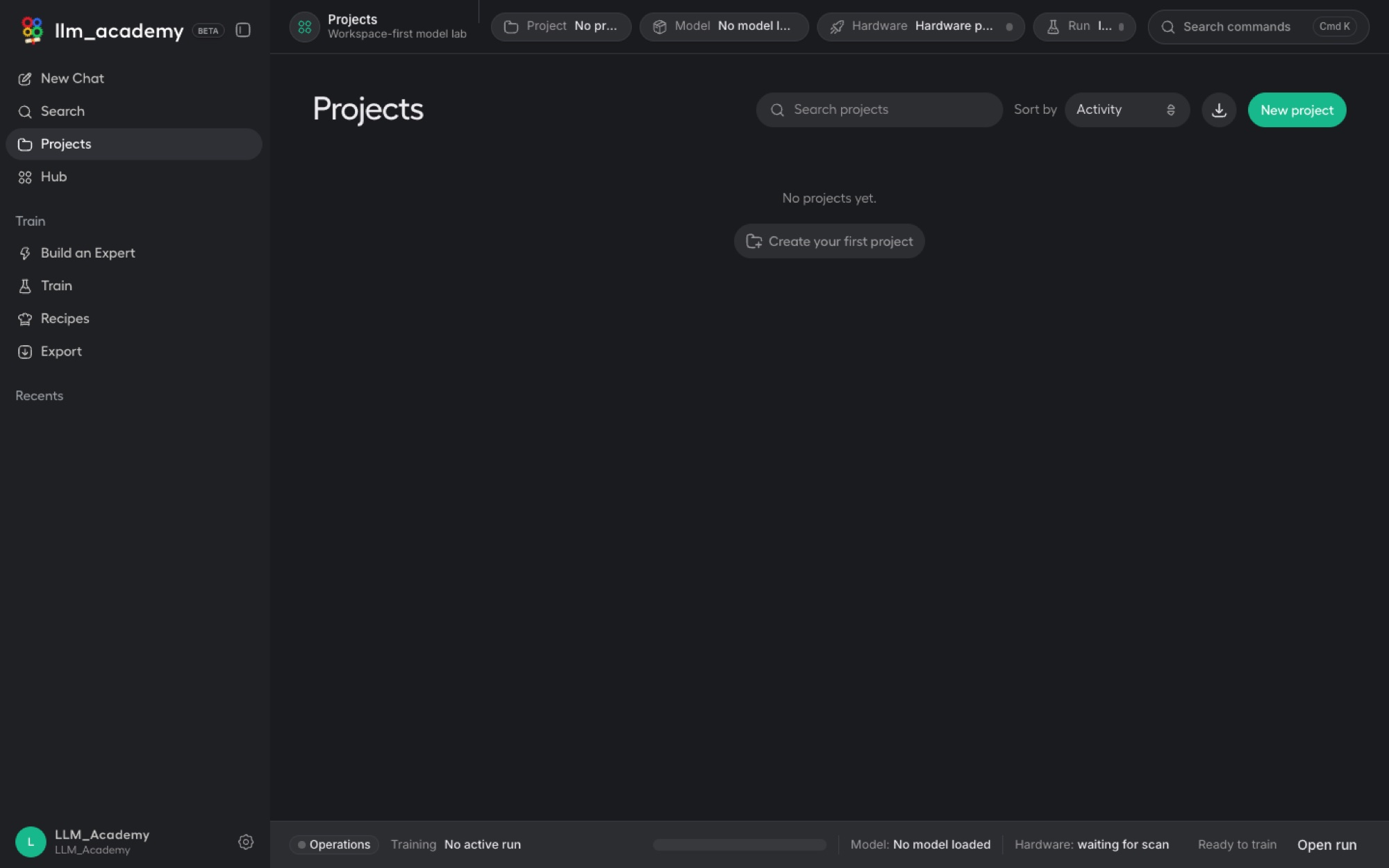
Pin the capabilities you use, chatting over your own files, connecting tools, saved prompts, side-by-side model comparison, a live preview canvas, or projects, into the chat, and tuck the rest away so the workspace never feels cluttered.
The headline feature
Turn a general model into your own expert, in three guided steps.
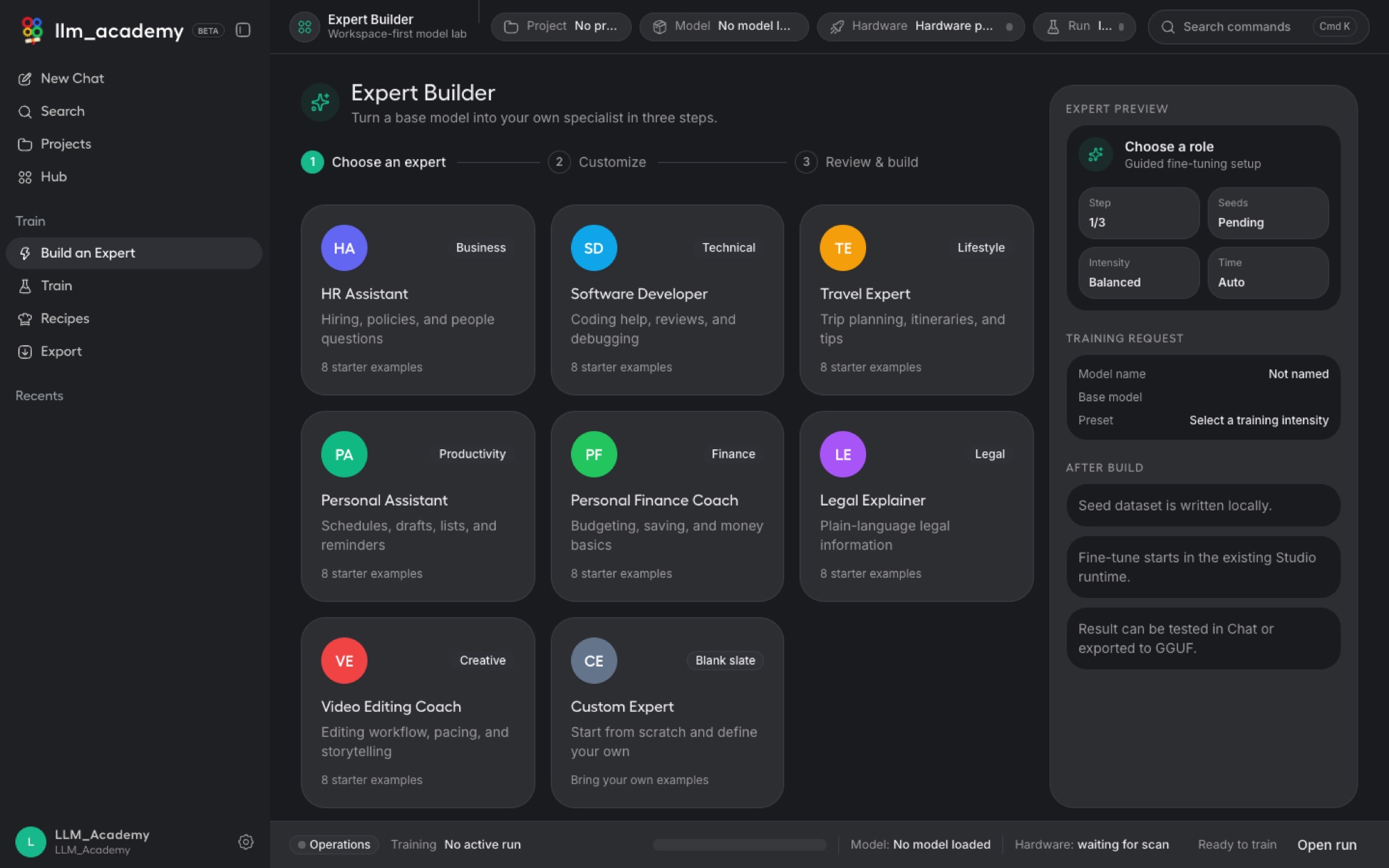
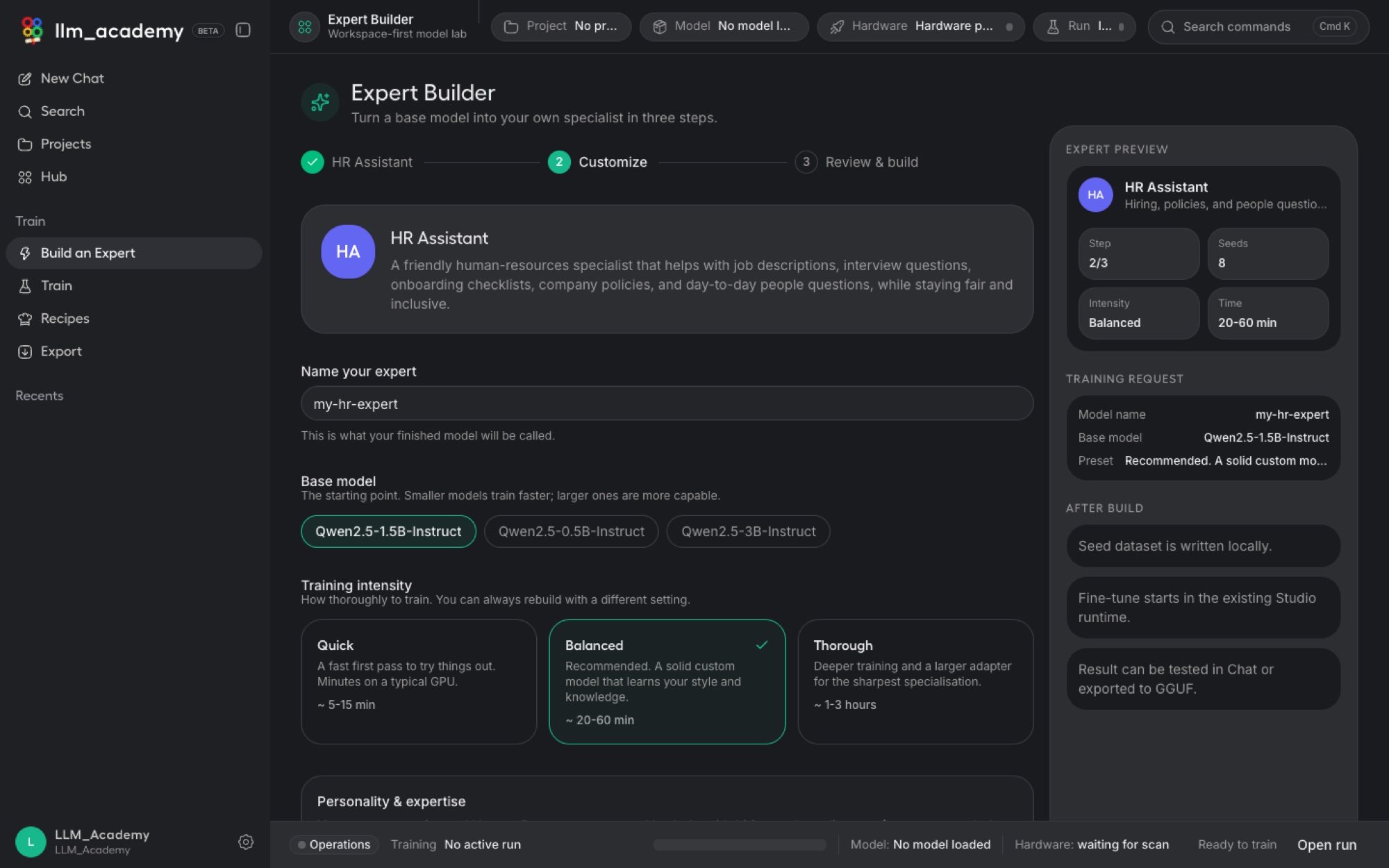
The Expert Builder is what makes LLM Academy different. It collapses the normally expert-level workflow of fine-tuning, choosing a base model, writing a system persona, and setting training parameters, into a simple wizard: choose an expert, customize it, review and build. You end up with a private model tuned to your work, and you never touch a line of code.
Choose a starting point
Pick a ready-made role, HR assistant, software developer, legal explainer, personal finance coach, travel expert, and more, each pre-loaded with a sensible persona and starter examples. Or choose Custom Expert to build any specialist from scratch.
Make three simple choices
Name your model, pick a base model sized to your machine (smaller trains faster, larger is more capable), and choose how thoroughly to train: Quick for a fast trial, Balanced for an everyday specialist, or Thorough for a sharper result. Tweak the plain-English personality text if you want.
Review and build
Confirm your choices and let LLM Academy fine-tune the model for you, on your own machine. The result is a private specialist that reflects your tone, your standards, and your domain.
One-click specialist training
The Training Recipes Database.
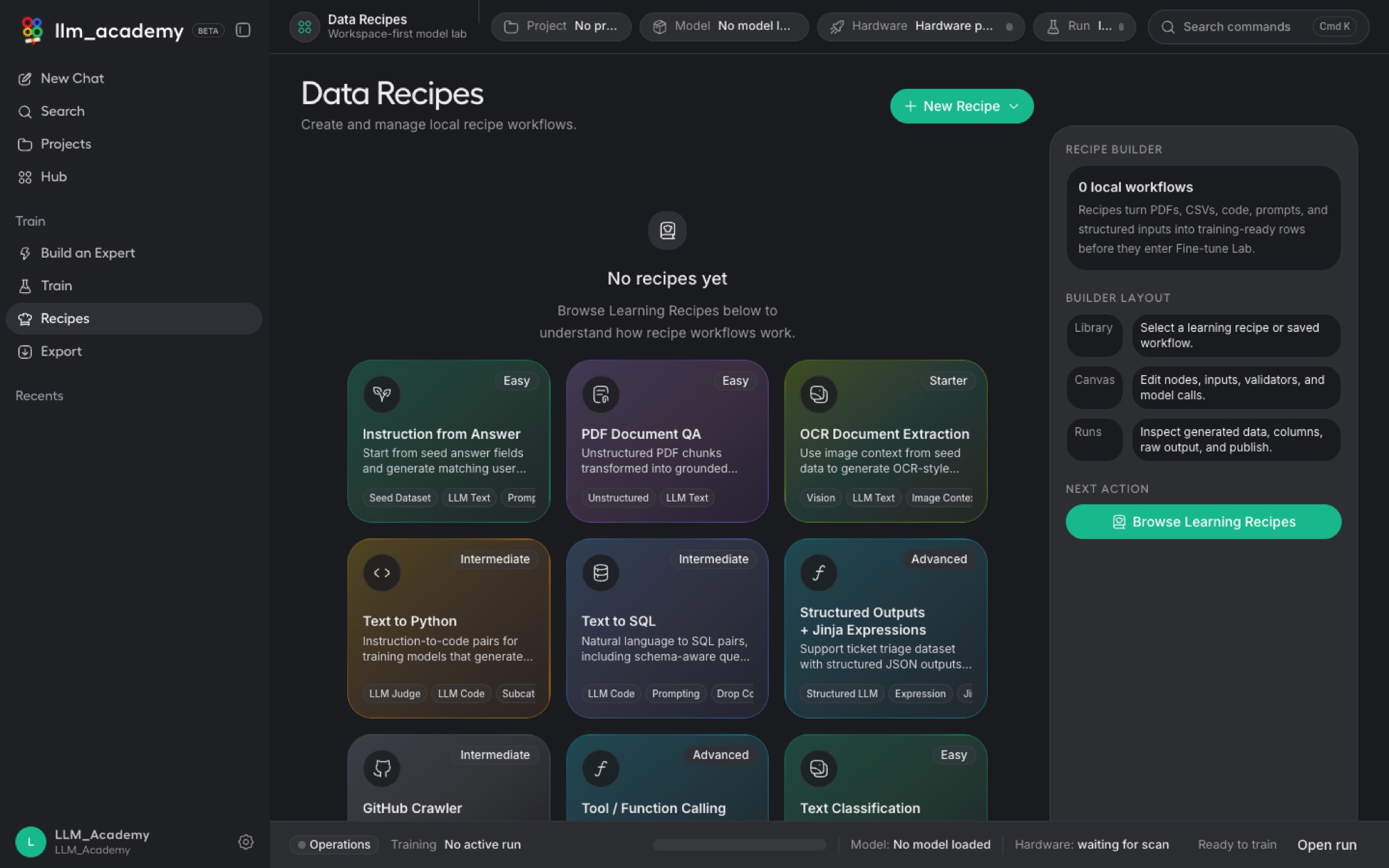
Don't start from a blank page. LLM Academy ships with a searchable database of ready-made "train a ___ specialist" recipes covering hundreds of jobs, from a Tier-1 support agent to a SQL expert, a contract-clause reviewer, a brand-voice writer or a Python copilot. Pick one and the connected LLM builds the model for you, or mix and match several recipes into a single specialist tuned to exactly how you work. Bring your own with Upload your own recipe, or describe a brand-new one with Create your own recipe and let the LLM author the data and train it.

Hundreds of recipes
A curated catalog spanning support, sales, HR, legal, finance, healthcare, data, software, science, the creative trades and more, each a one-click "train a specialist" starting point.
Mix & match skill sets
Combine several recipes into one personalised model, a legal explainer that also drafts in your brand voice, or a support agent that speaks your product and your tone.
Your data, your model
Upload your own recipe, or create one from a plain-English description. Training runs on your machine and the finished specialist is yours to keep and export.
Step by step, from A to Z
How to train your own private AI specialist, start to finish.
A complete, plain-English walkthrough, with no coding and no machine-learning background needed. Follow these ten steps in order and you will go from a fresh install to a private AI specialist that runs entirely on your own computer and that you can use anywhere.
Install and open LLM Academy
Download the app for your Mac or Windows PC (see the download section below), install it like any other app, and open it. The first time it runs, it quietly checks your computer's graphics card and memory so it knows which models your machine can comfortably handle. There is nothing to configure.
Warm up with a private chat
Before building anything, get a feel for it. Pick a model from the picker at the top of the chat and type a question, or use your voice. The answer comes back on your own machine, with nothing sent to the cloud. This step is just to get comfortable; the real value comes next.
Download a base model to build on
Open the built-in Model Hub, a friendly store of free, open AI models. Each one shows whether it will run well on your computer. Pick one that fits: smaller models train faster and run on modest laptops, larger ones are more capable if your machine can handle them. Unsure? The Expert Builder in the next step will suggest a sensible one for you.
Open the Expert Builder and choose a role
This is the heart of it. Open the Expert Builder and pick a ready-made role that matches what you want: HR assistant, software developer, legal explainer, personal finance coach, travel expert, and more. Each comes pre-loaded with a sensible personality and starter examples, so it already knows roughly how to behave. Want something niche? Choose Custom Expert and build any specialist from scratch.
Make your three simple choices
The wizard asks just three things: name your specialist (for example, "Acme HR Helper"); pick the base model (the app suggests one sized to your computer); and choose how thoroughly to train it, Quick for a fast first try, Balanced for an everyday specialist, or Thorough for the sharpest result. If you like, edit the plain-English personality text to set its tone. No special syntax, just write how you want it to sound.
Add your own examples or documents (optional)
For a specialist that truly sounds like you or knows your world, add your own material: a handful of example question-and-answer pairs, or your own documents such as internal policies, your code, or your notes. The model learns your tone, standards, and domain from these. New to this? Skip it. The ready-made roles already include starter examples, so you will still get a working specialist.
Review and build
Confirm your choices on the review screen and press build. LLM Academy now fine-tunes the model for you, right on your own machine. "Fine-tuning" simply means teaching the general model to behave like your specialist. You will see live progress; depending on the model size and training depth this takes from a few minutes to a while, so grab a coffee. Everything stays on your computer.
Test your new specialist
When it is done, your specialist appears in the chat picker. Talk to it: ask the kind of questions it is built for and see whether the tone and answers fit. If it is not quite right, that is normal, just add a few more examples or raise the training depth to Thorough and rebuild. Iterating like this is how you get it really good.
Export it so it is yours to keep
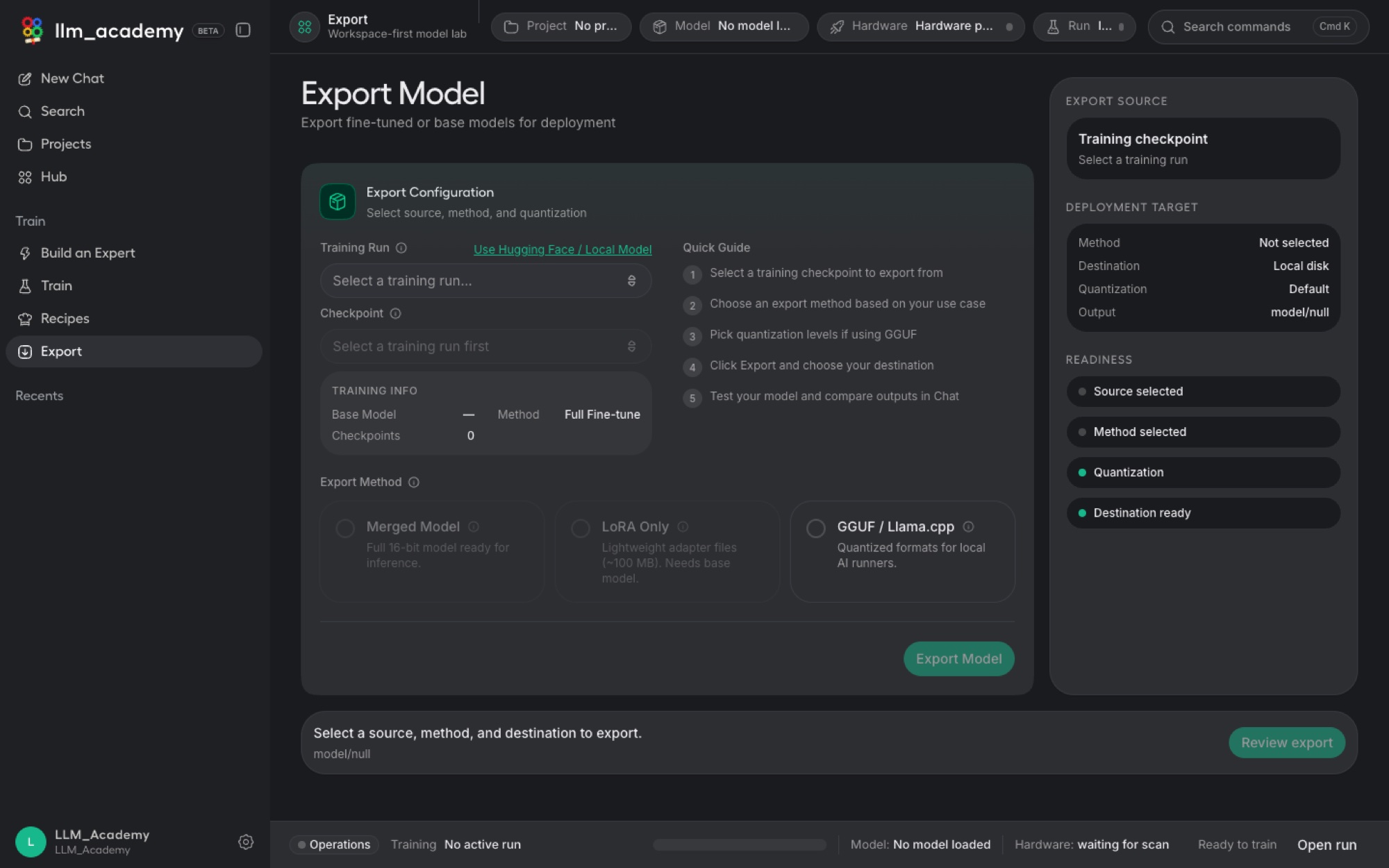
Happy with it? Export the trained model. Choose GGUF to run it on a normal laptop even without the app, a tiny LoRA adapter that is easy to share with a colleague, or a merged full model. Your specialist is now a real file that you own.
Serve it to your own tools (optional)
Want your other apps to use your specialist? Turn on LLM Academy's built-in local API server and create an access token. Now your existing tools, scripts, or code editor can talk to your private model exactly the way they would talk to a cloud AI, except the work happens on your machine and your data never leaves. You have now built, trained, and deployed your own private AI, end to end.
Worked examples
Two specialists, built start to finish.
To make the steps above concrete, here are two of the most popular specialists people build, and exactly what you would choose at each step. Both run entirely on your own machine.
Example 1: a private HR assistant
Role: pick the ready-made HR Assistant. Base model: accept the mid-size model the wizard suggests for your machine. Training depth: Balanced. Your data (optional): add a few real job descriptions, your tone of voice, and your leave and benefits policy.
What you get: an assistant that drafts job ads, builds interview questions, and answers policy questions in your company's voice, with candidate details and internal documents never leaving your computer.
Example 2: a private coding assistant
Role: pick Software Developer; the wizard automatically steers you to a code-tuned base model. Training depth: Balanced, or Thorough for a sharper result. Your data (optional): add examples from your own codebase and your house conventions.
What you get: a pair-programmer that knows your stack and style, runs offline so proprietary code stays on your machine, and can be served to your code editor through the built-in local API.
When you want full control
A complete fine-tuning workbench, without leaving the app.
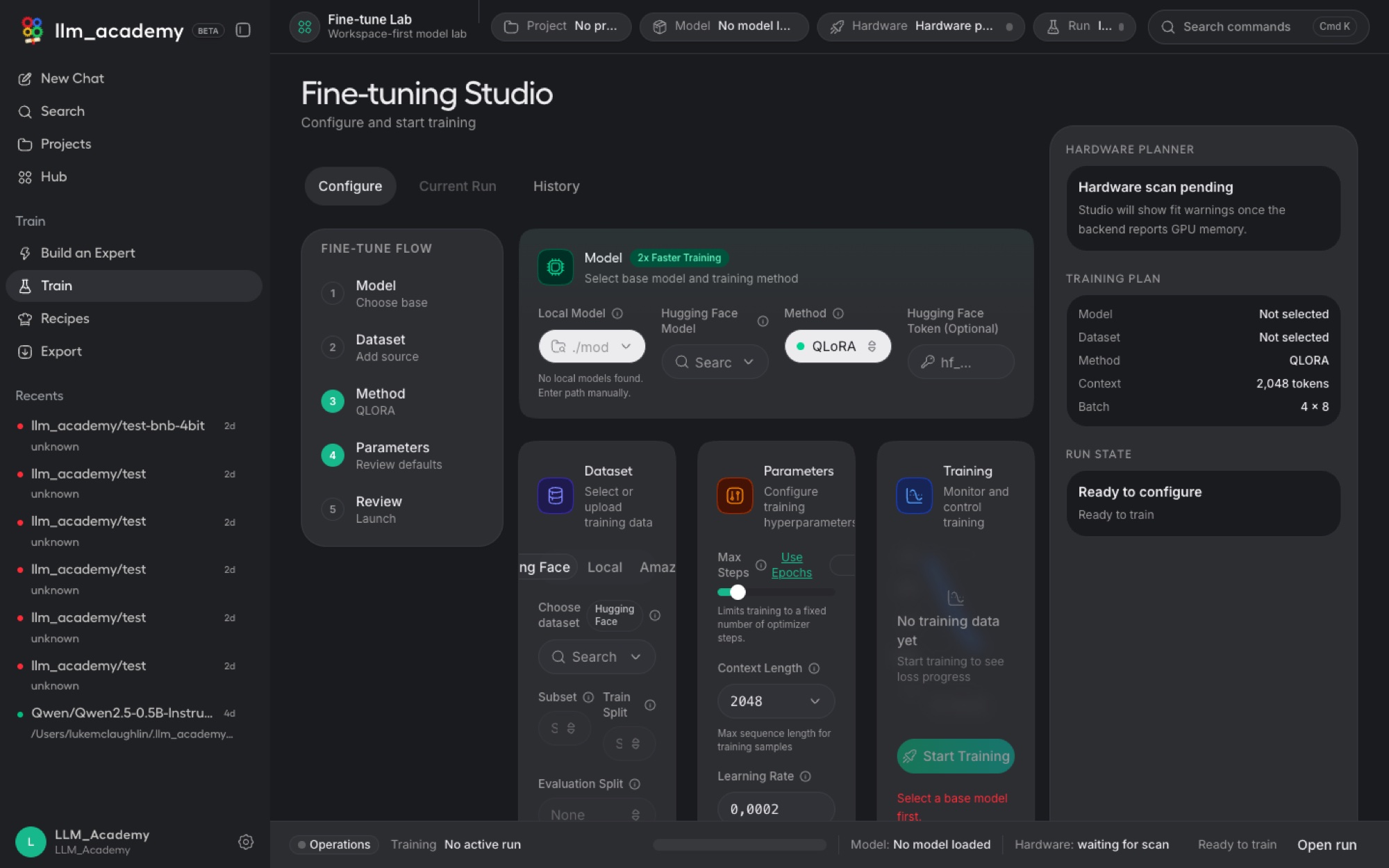
Behind the wizard sits a real training studio for people who want to drive the run themselves. Pick a base model, choose a method like QLoRA, bring a dataset from a file, Hugging Face, or S3, tune the hyperparameters that matter, and watch the loss curve live, with a full history of every run you have done.
Get models in, get models out
Find open models, then take yours anywhere.
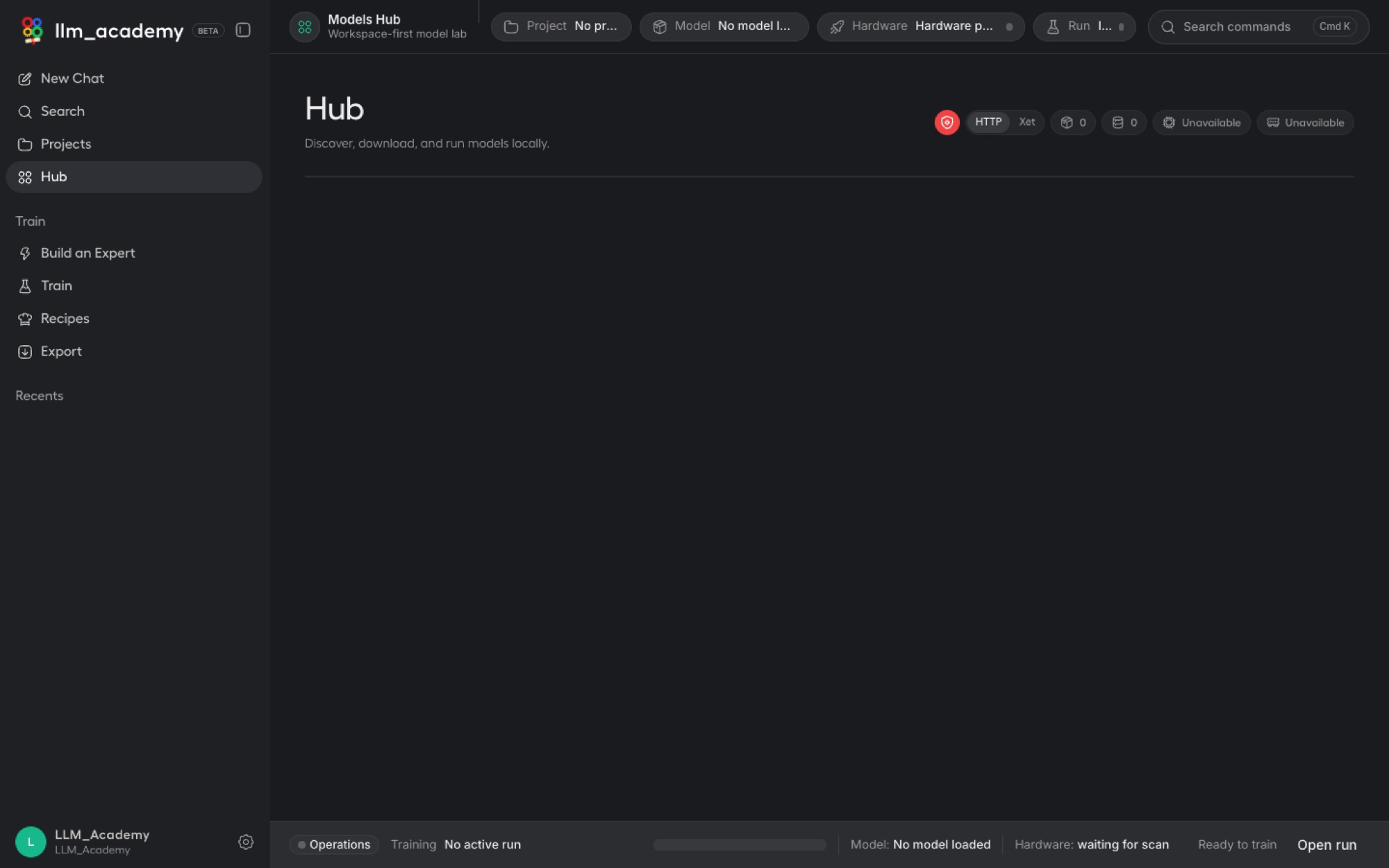
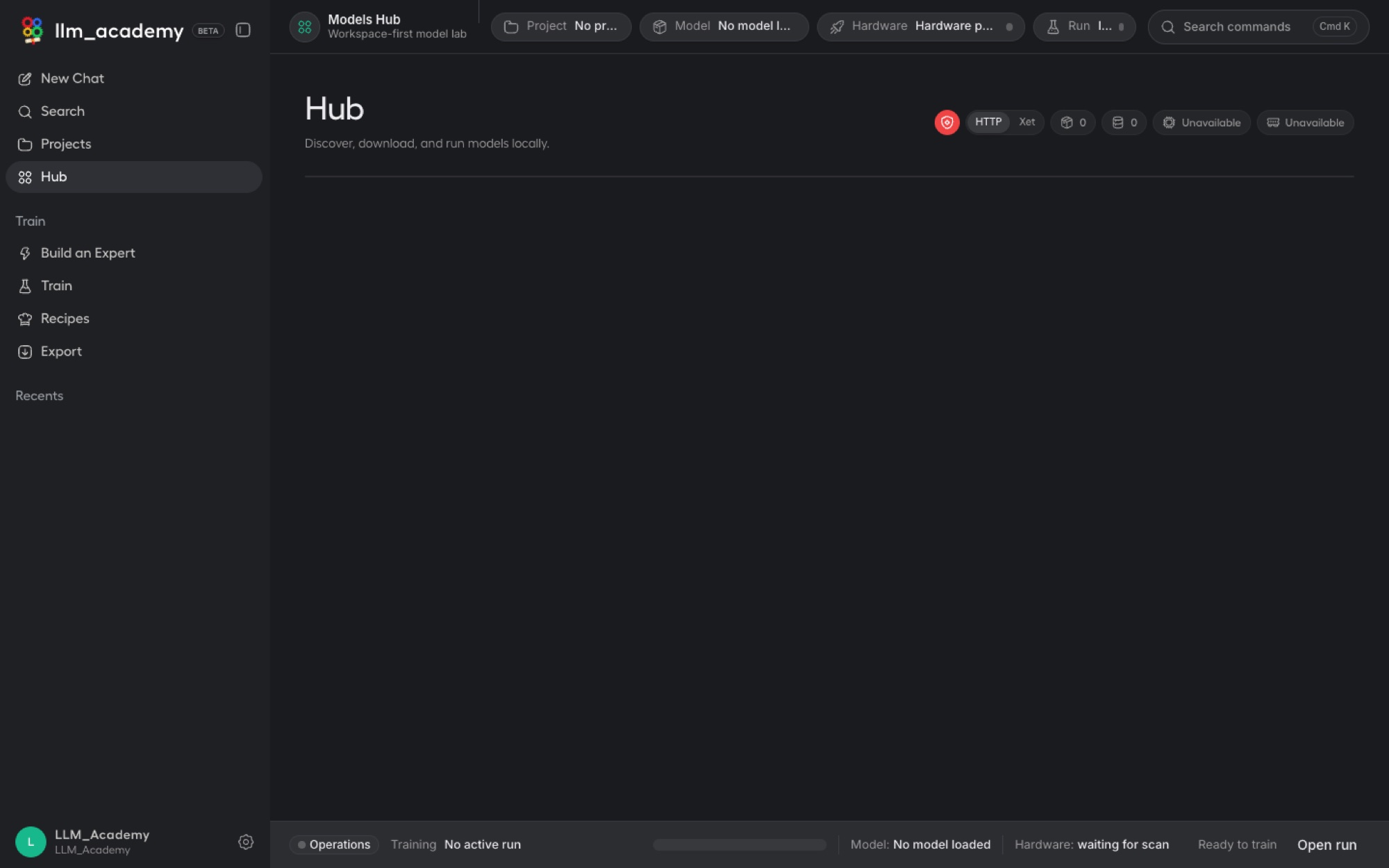
A built-in hub turns getting a model into a one-click job, no command line or file wrangling, and tells you whether a model will actually run on your hardware before you download it. When you are done, export your trained model in the format that fits how you want to use it.
Plug it into your world
Serve your private model to your own tools.
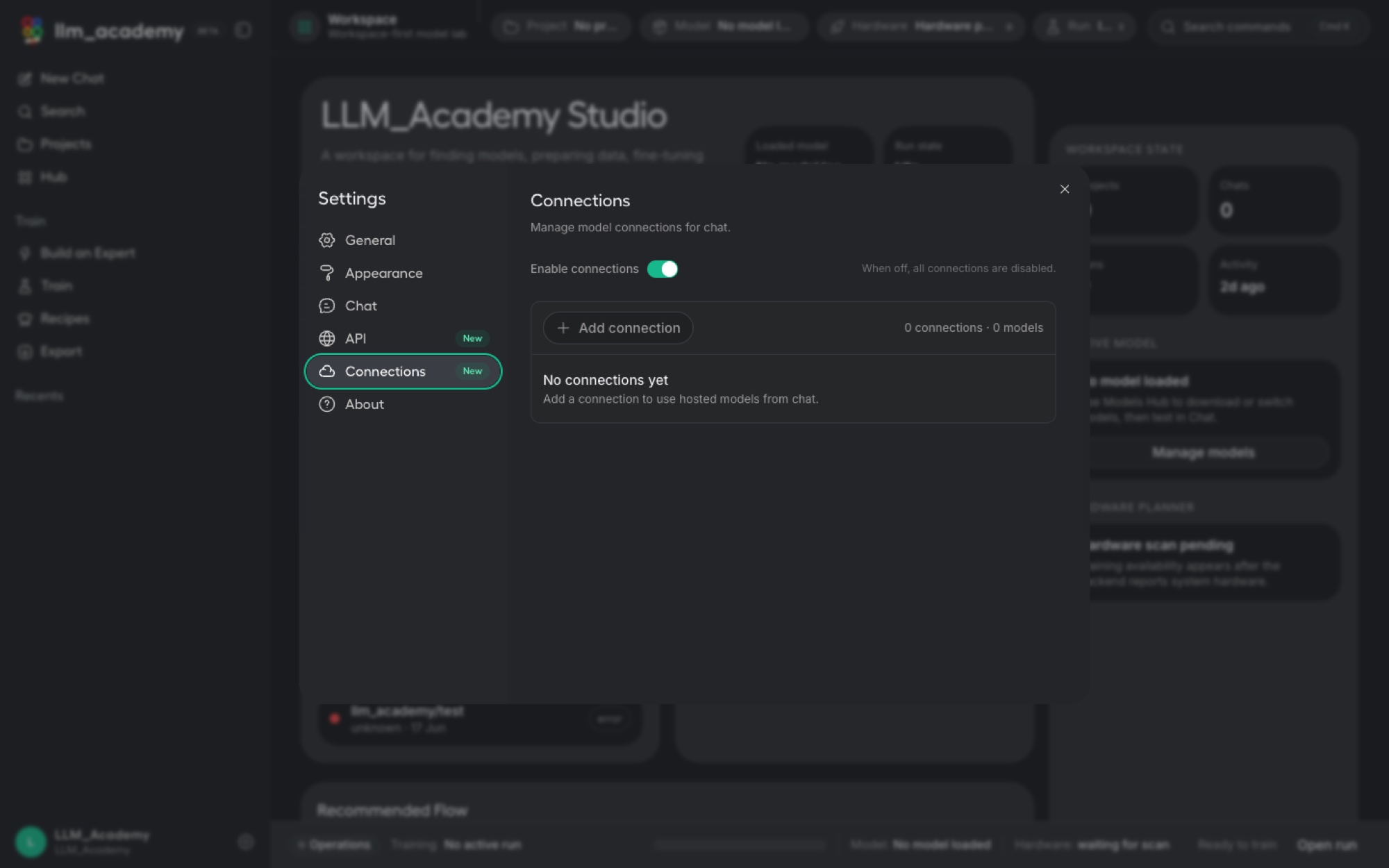
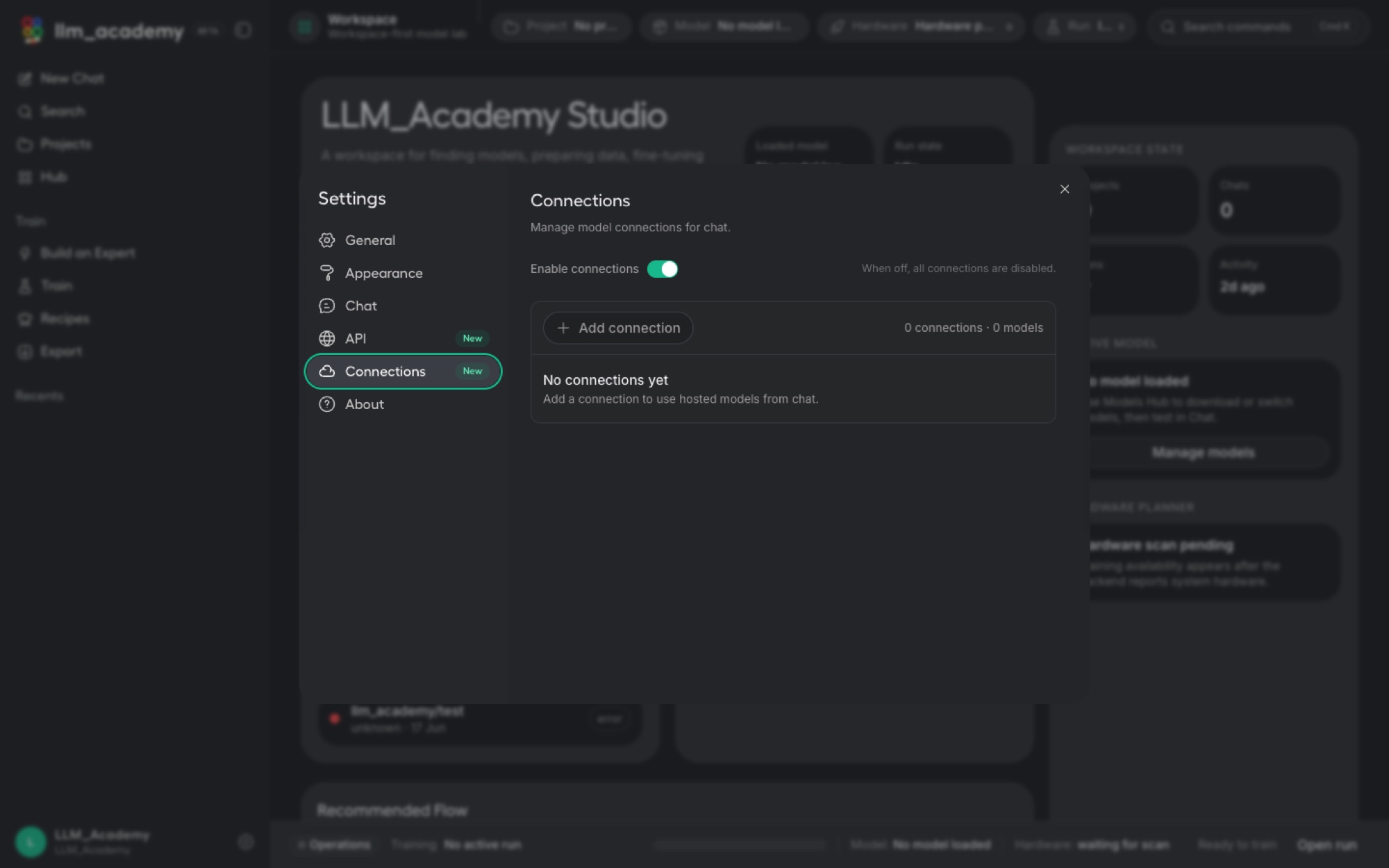
Your model does not have to stay inside the app. LLM Academy can expose it through a local, OpenAI-compatible API, so existing tools, scripts, and IDEs can call your private model exactly like a cloud one, while the work still happens on your machine. You can also add hosted providers when you want raw power, behind a single off switch when you want privacy.
Built for real machines and real people
Set up once, then it stays out of your way.
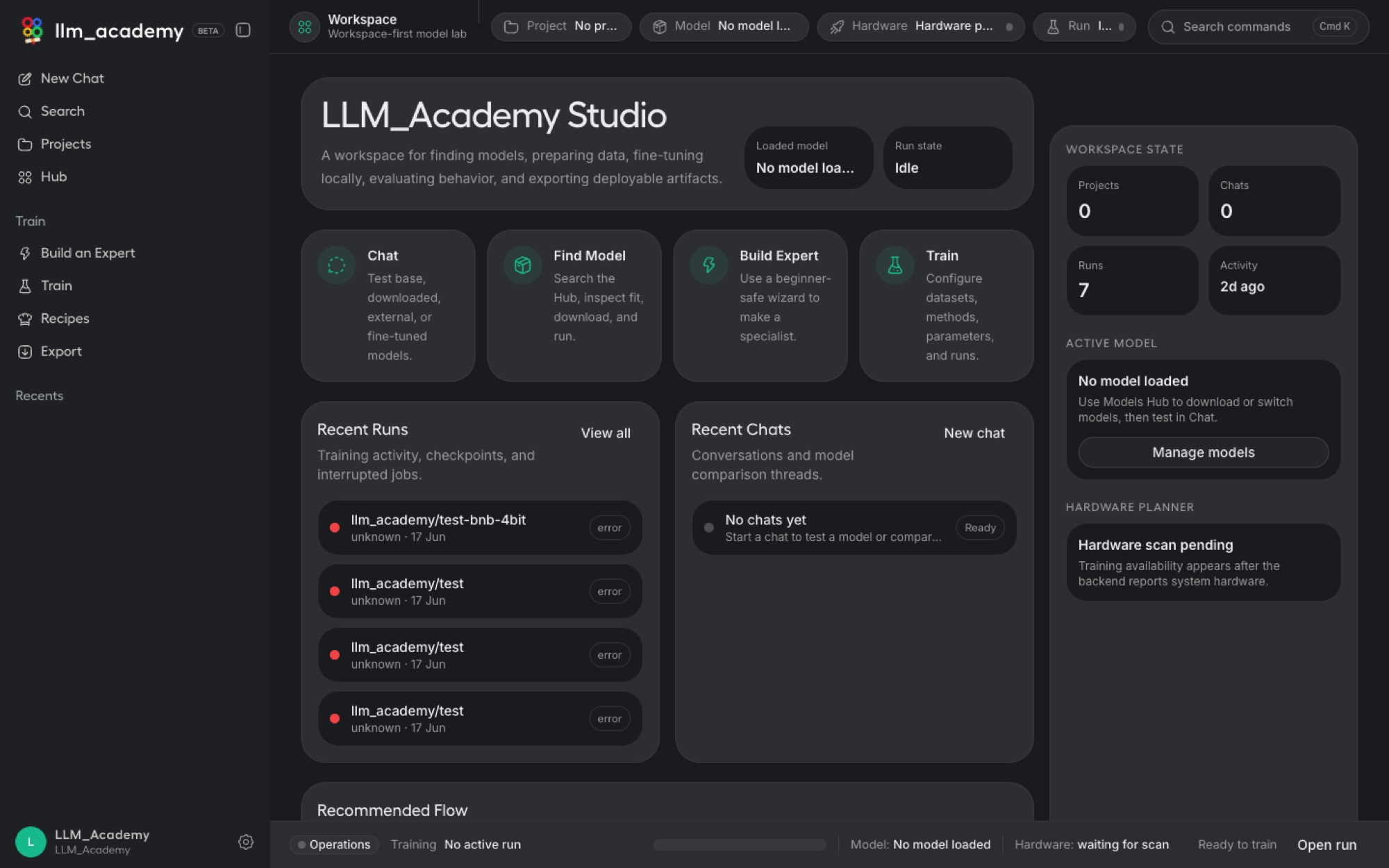
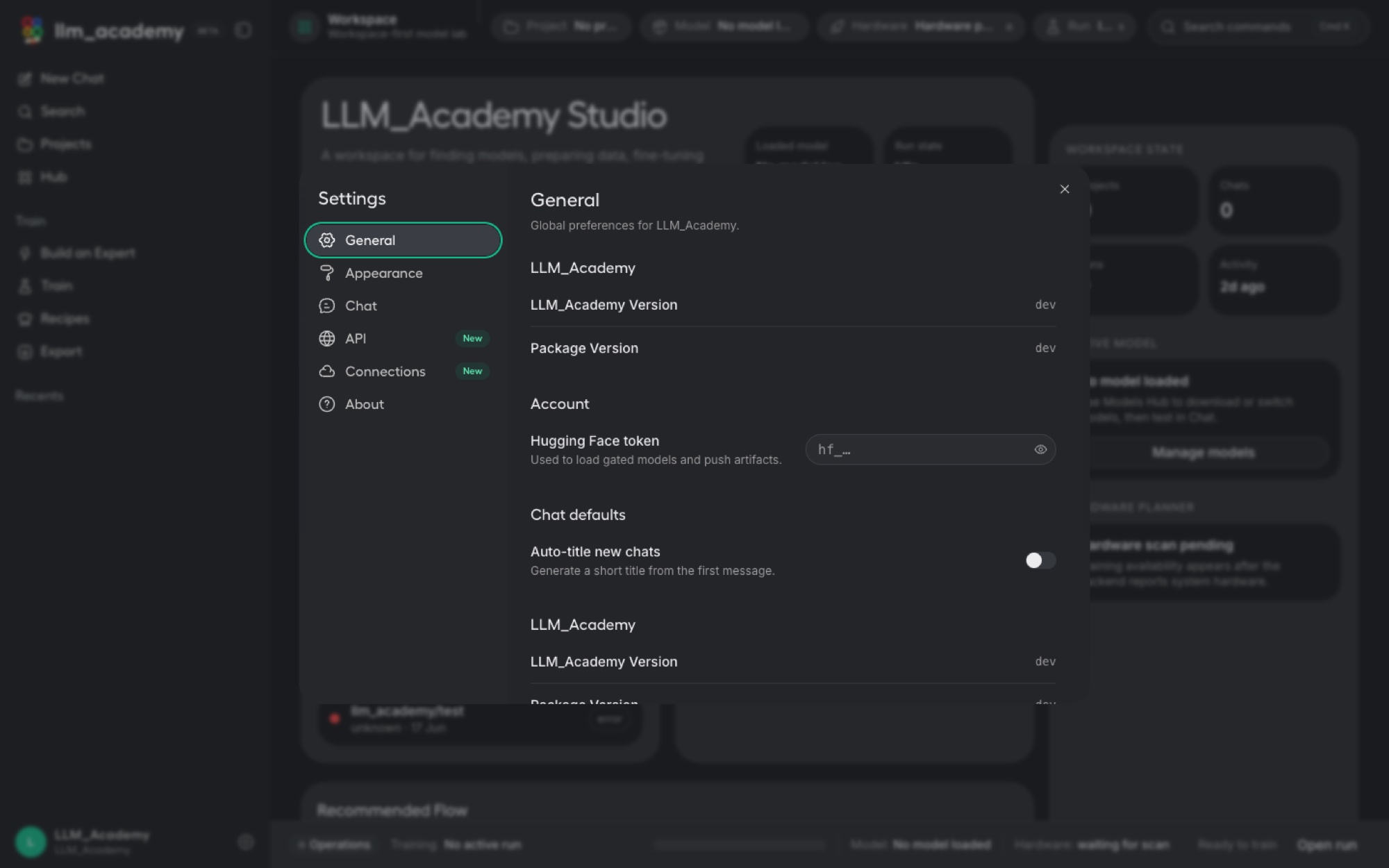
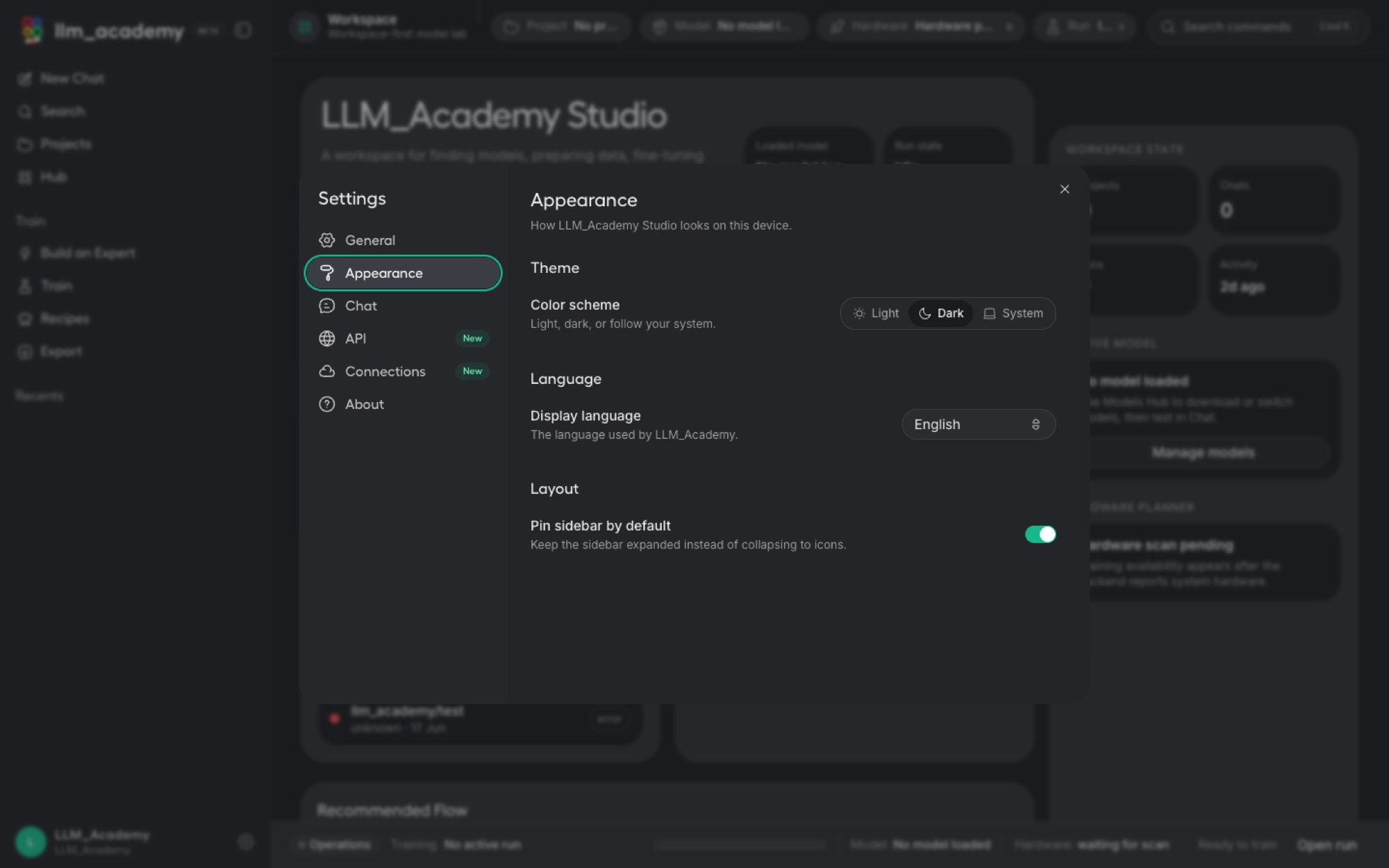
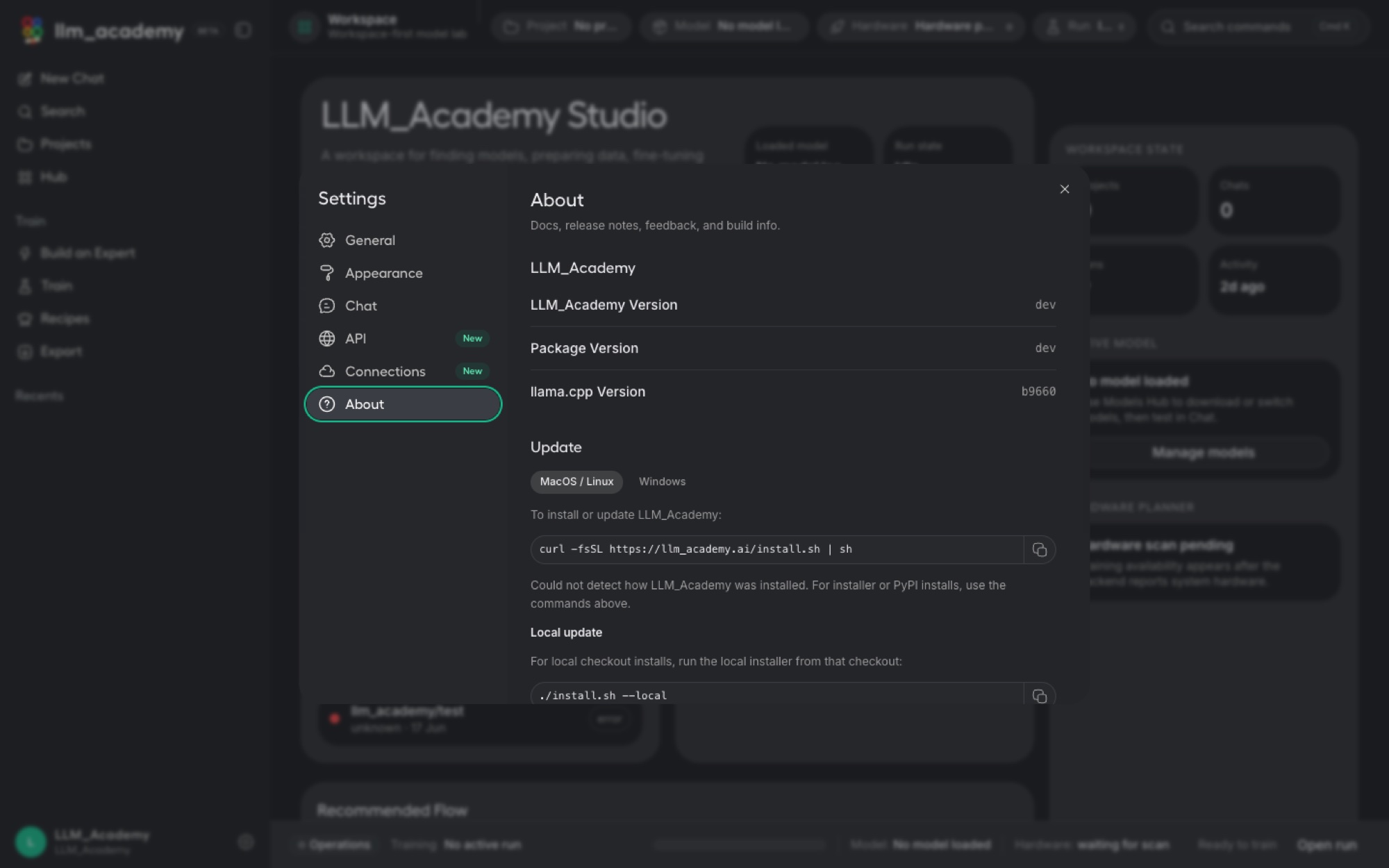
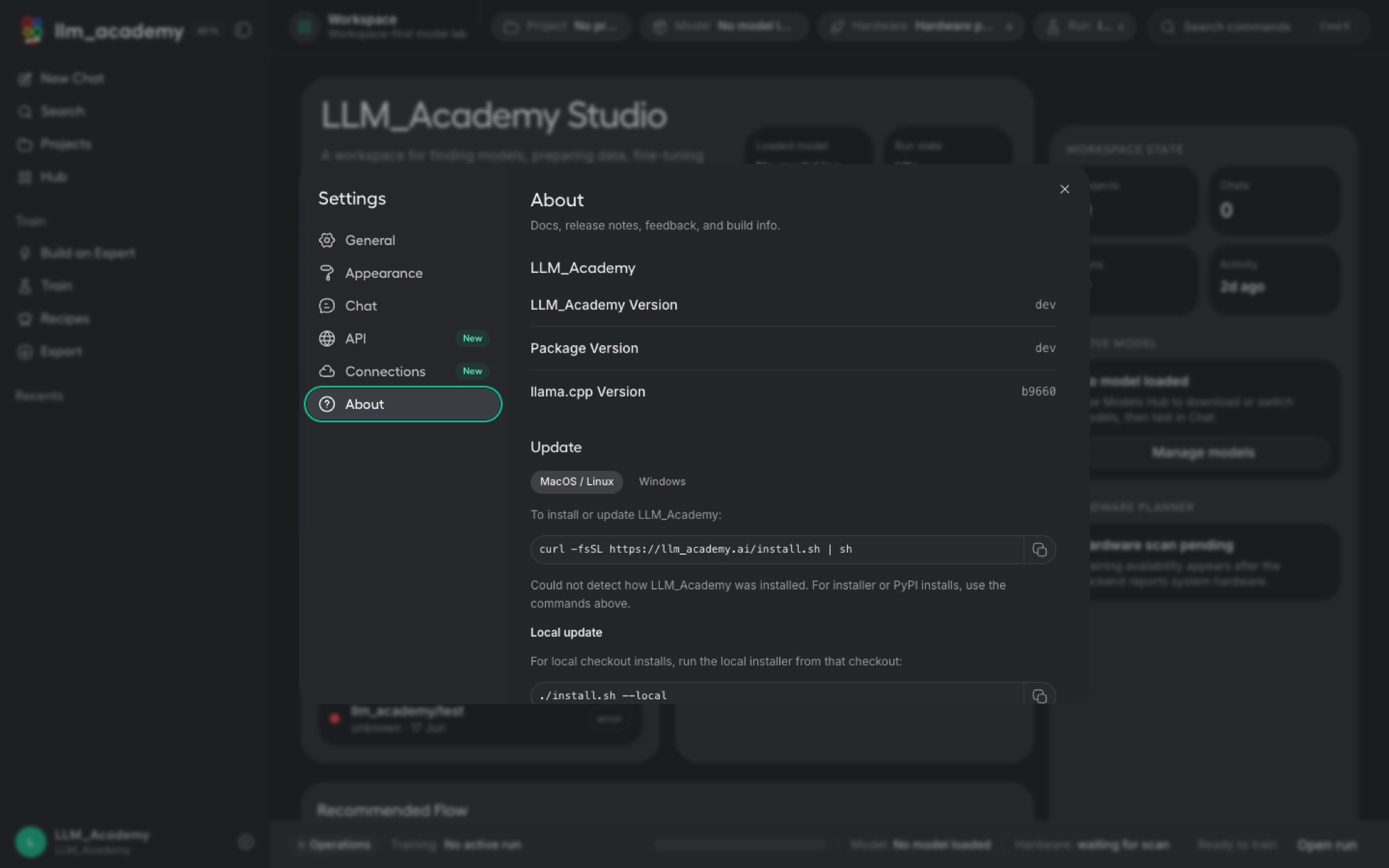
Because everything runs locally, LLM Academy gives you clean control over the whole app, not just the models. It detects your hardware so you know what your machine can handle, keeps its engine up to date, and offers a guided tour and comfort settings so a powerful workflow still feels approachable.
Why it matters
Your own AI, your own data, your own machine.
Cloud chatbots are someone else's model, running on someone else's computer, learning from your data. LLM Academy flips that around: the model is yours, it runs where your work already lives, and the moment you turn off connections, nothing can leave. For sensitive documents, proprietary code, or simply peace of mind, that difference is the whole point.
Private by design
Chat, training, and the models themselves run on-device. Your prompts and data never have to leave your computer.
No experts required
Guided wizards, ready-made roles, and recipe templates mean a non-technical person can build something real.
Yours to keep
Export to portable formats or serve over a local API, so the specialist you build is genuinely yours to use anywhere.
Questions
Frequently asked questions about LLM Academy.
What is LLM Academy?
LLM Academy is a local-first desktop app that lets anyone turn an open-source AI model into their own private specialist and use it entirely on their own computer. You can chat with local models, build a custom expert in three guided steps, fine-tune with full control when you want it, manage and export models, and even serve them to your own tools, with no code and without your data leaving your machine.
Do I need to know machine learning to use it?
No. The Expert Builder turns the normally expert-level workflow of fine-tuning into three guided choices with sensible defaults: pick a role, name your model and choose how thoroughly to train it, then review and build. Ready-made templates for roles like HR assistant, software developer, and legal explainer come with starter examples, so you get a working specialist without designing a dataset or writing a system prompt.
Does my data stay private?
Yes. Chat, training, and the models themselves all run on your own machine, so nothing has to leave your computer. That makes LLM Academy a good fit for sensitive work like internal documents, proprietary code, or personal data. A built-in connections switch lets you optionally add hosted providers and turn them all off again instantly.
Can I use the models I train in my own apps?
Yes. You can export a trained model to GGUF to run on consumer hardware, a tiny LoRA adapter for easy sharing, or a merged 16-bit model. You can also serve any model through a built-in OpenAI-compatible API endpoint with access tokens, so existing tools, scripts, and IDEs can call your private model exactly like a cloud one.
What does LLM Academy run on?
LLM Academy is a desktop app for macOS and Windows. It detects your hardware and ships with a bundled llama.cpp inference engine, so chat and inference work out of the box and you can see what your machine can handle.
Support the project
Support the project and download LLM Academy.
Donate to support the build and download a real installer when one is published for your platform. Each download link is single-use.
LLM AcademyDonateYour donation supports LLM Academy plus every listed software product as it launches.
Get the software
Support the project and download a build.
Donate what you like, choose a product and your platform, and download a real installer right after checkout when a build is published. Each link is single-use and time-limited.