
 Data EngineeringSQL · pipelines · platforms
Full-featured software for learning data engineering, on your own Mac.
Data Engineering is a native Mac app that takes you from zero to production-capable data engineer: 40 courses, 80 modules, and 400 interactive lessons across SQL, Python, pipelines, orchestration, warehouses, lakehouses, and streaming, plus 40 portfolio projects with editable SQL, Python, YAML, and architecture workspaces, and a private AI tutor that works fully offline.
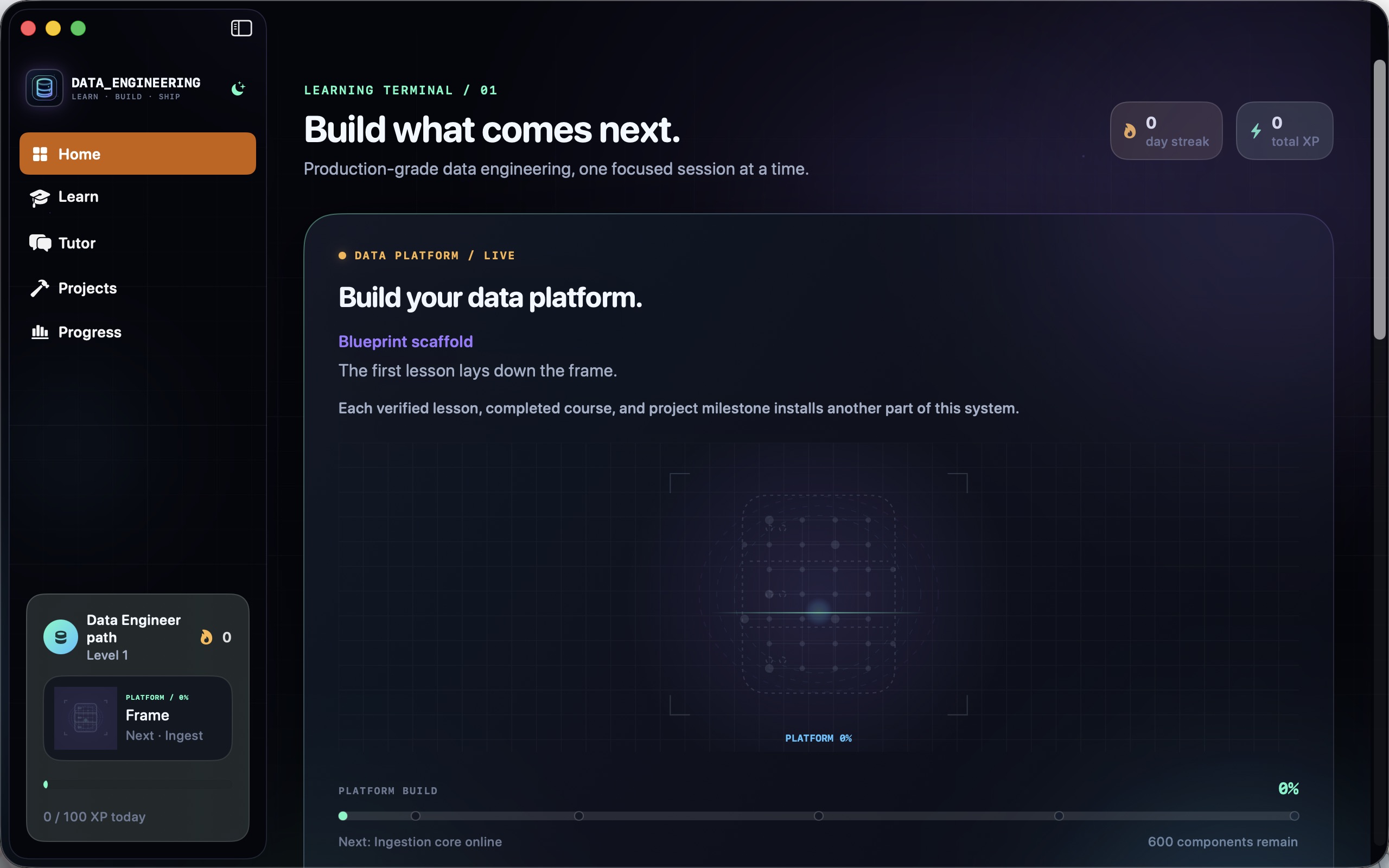
A complete data engineering education in one app.
Every lesson pairs a substantive explanation with a practical challenge, progressive hints, deterministic local validation, and feedback. The catalog holds 140 syntax-highlighted editable code labs, 100 quizzes, 80 architecture decisions, and 80 guided concept exercises.
The curriculum
From first SQL to principal-level platform architecture.
The path begins with basic arithmetic, files, first Python, SQL, the command line, and relational ideas, then develops the production data stack skill by skill, all the way to platform engineering and principal architecture.
Foundations
Files, first Python, SQL from the very beginning, the command line, and relational thinking: the curriculum assumes no prior coding at all.
Pipelines and orchestration
Incremental ETL, change data capture, Airflow orchestration, and dbt transformations: the daily toolkit of a working data engineer.
Scale and streaming
Spark for large-scale processing, Kafka for streaming, NoSQL stores, cloud storage, and containers for shipping reliable data infrastructure.
Warehouses and lakehouses
Data modeling, warehouse design, lakehouse architecture, and migrations: how modern analytical platforms are actually structured.
Trust and governance
Data quality, observability, lineage, and governance, so the platforms you build stay correct, explainable, and compliant.
Principal level
Disaster recovery, platform engineering, and principal-level system design: the judgment layer that turns a pipeline builder into an architect.
A real learning workspace
Lessons, projects, and progress in one native app.
These are the actual app surfaces: the searchable course catalog, project workspaces with editable SQL, Python, YAML, and architecture files, and a progress profile, with system, light, and dark appearance built in.
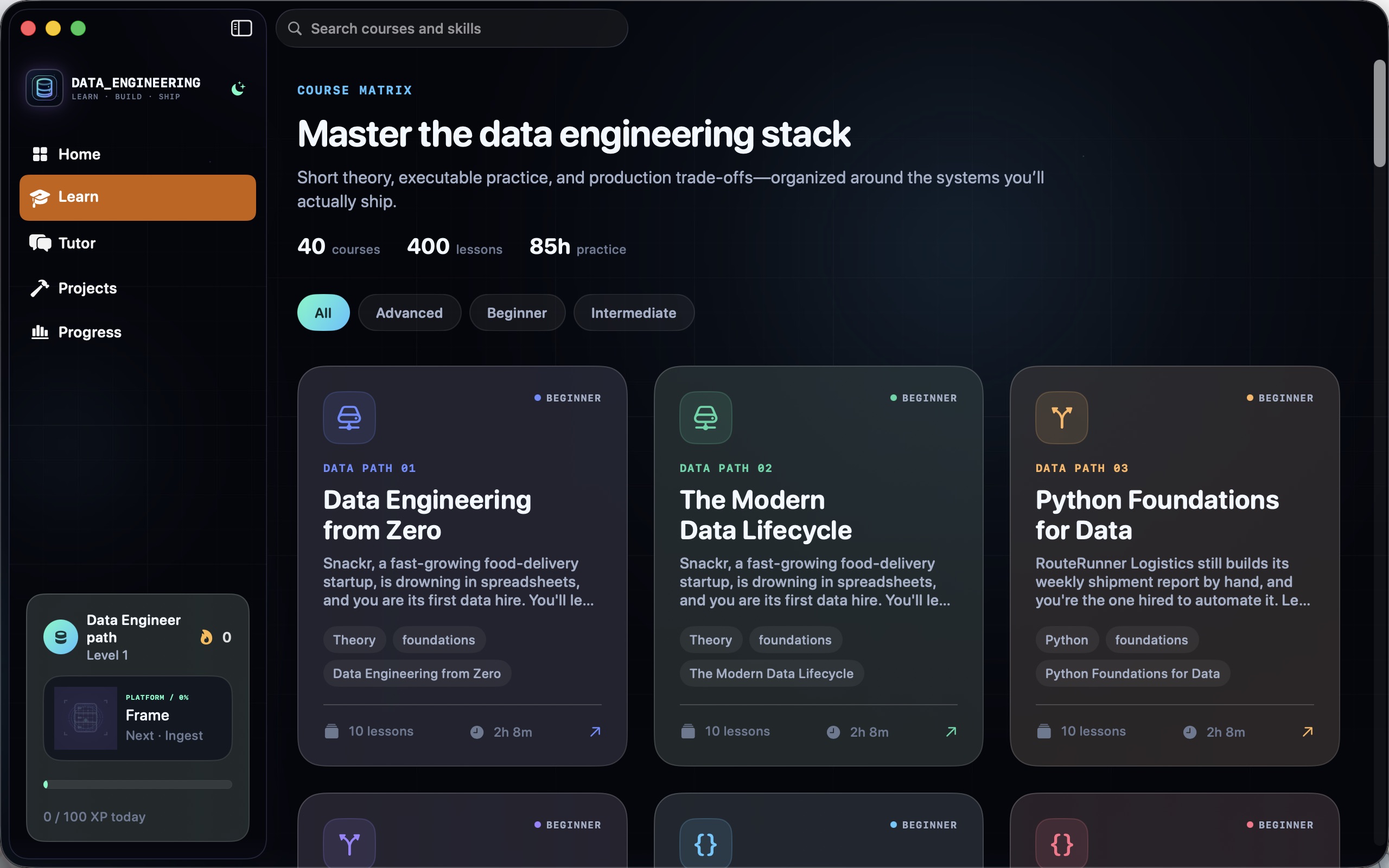
40-course catalog
Search and filter the full catalog, open course maps, and track module and lesson completion from SQL foundations to principal architecture.
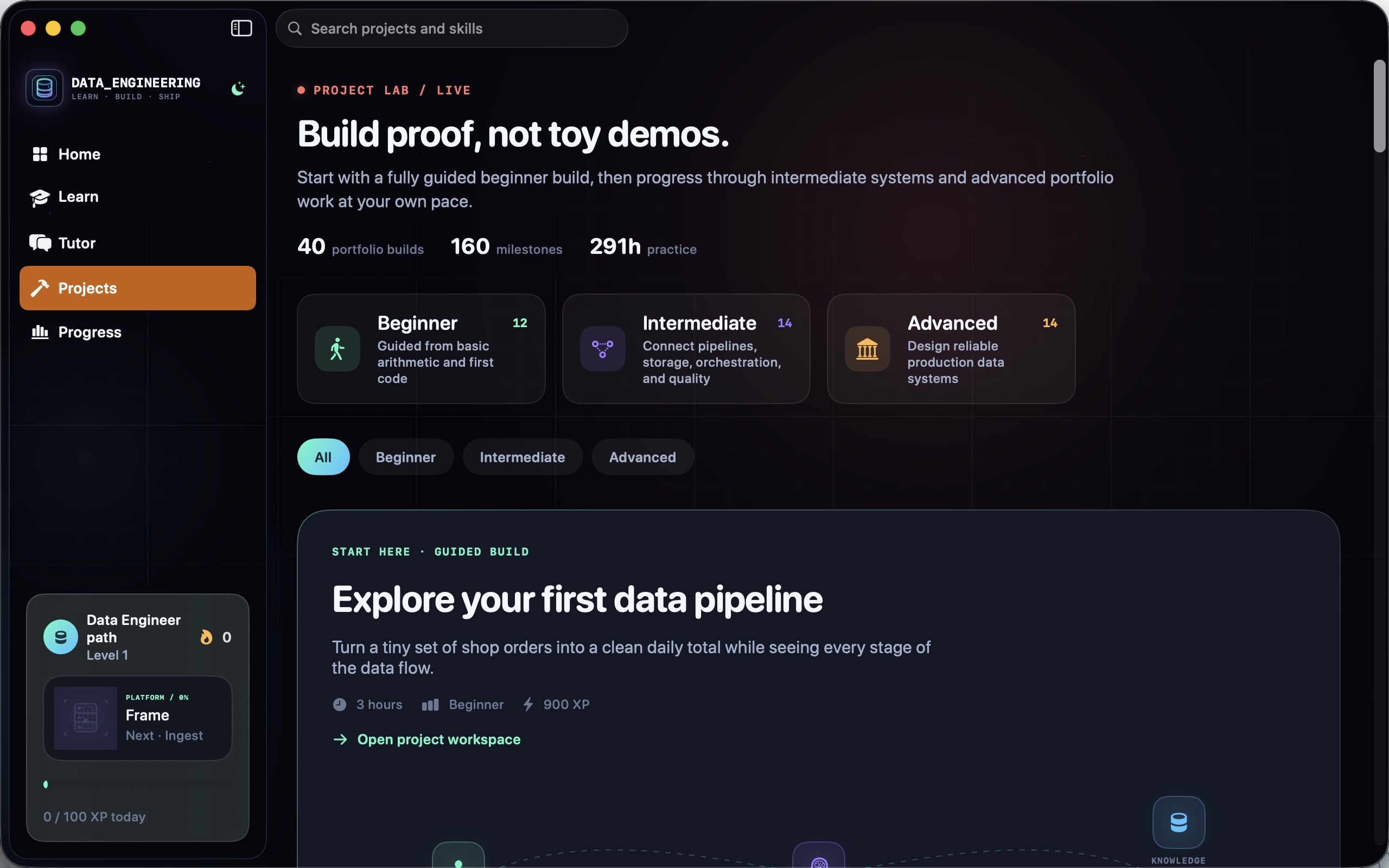
40 portfolio projects
12 beginner, 14 intermediate, and 14 advanced builds, each with editable SQL, Python, YAML, and architecture files plus four scoped milestones.
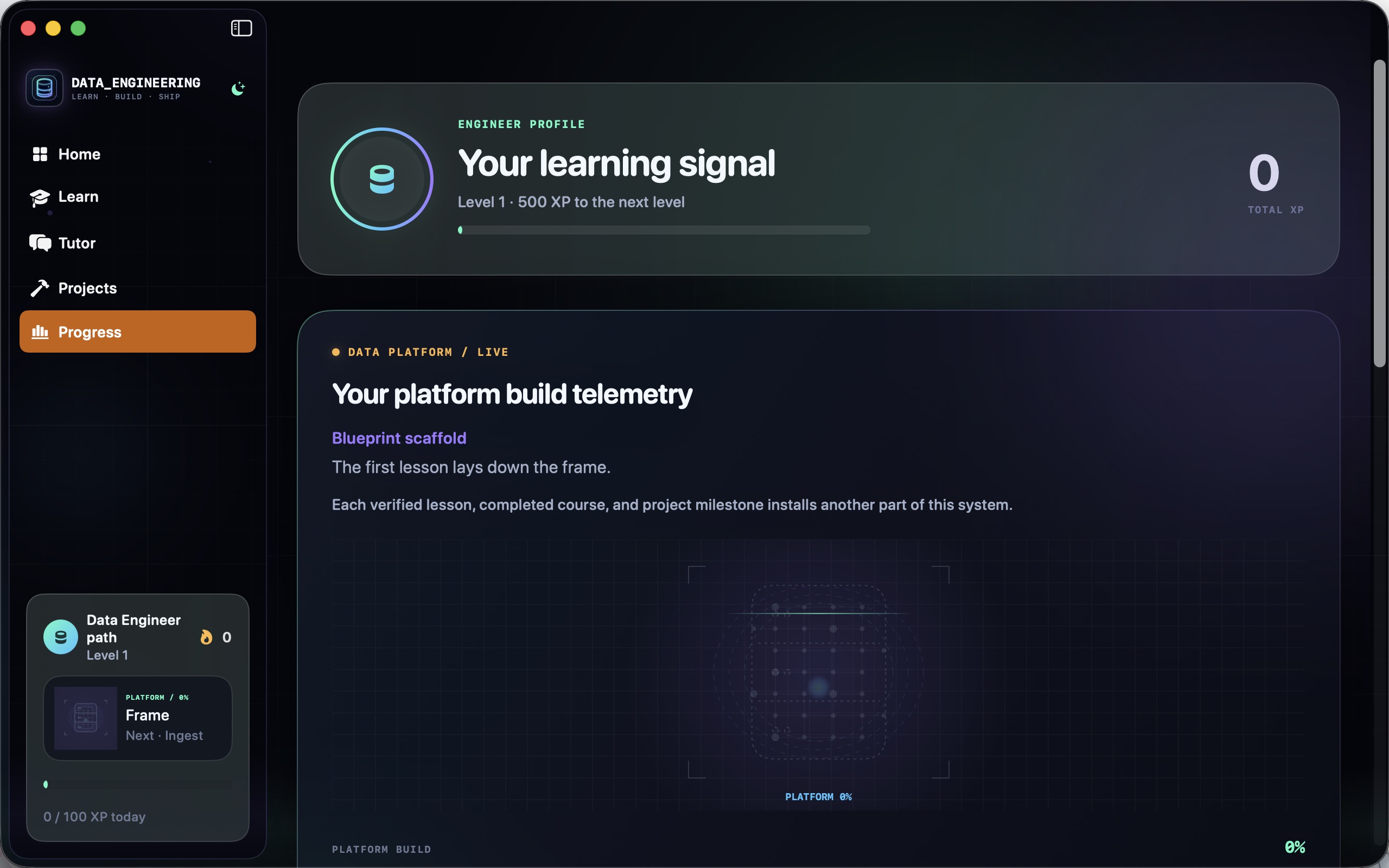
Progress that stays on your Mac
XP, daily goals, streaks, bookmarks, and skill progression persist locally: no account, no cloud, no tracking.
Watch your platform assemble itself
A live animated data-platform construction advances with every verified lesson, completed course, and project milestone.
How to use Data Engineering
A learning loop that starts from zero.
The early courses assume only basic arithmetic. The fastest way through is short, active daily sessions: one lesson, one real query or script, one honest attempt before hints.
Follow the path in order
Start with files, first Python, and first SQL. Every later course (Airflow, dbt, Spark, Kafka) builds directly on those foundations.
Type the SQL yourself
Code labs are editable and validated locally. Write the query, run the check, and only then compare with the explanation: that is where the learning happens.
Ask the tutor in context
Tutor Core knows which lesson or project you are on and answers offline. Ask it to re-explain a join, a DAG, or a partitioning choice in plain language.
Work the project milestones
Each portfolio build has four scoped milestones with editable SQL, Python, YAML, and architecture files. Finish one milestone per session and the project finishes itself.
Make architecture decisions
80 architecture-decision challenges train the judgment side: warehouse vs lakehouse, batch vs streaming, rebuild vs migrate. Reason first, then read the explanation.
Keep a daily rhythm
XP, streaks, and daily goals persist locally on your Mac. Short daily sessions through the path beat occasional marathons.
Private by design
Your tutor and your progress live on your Mac.
Tutor Core never requires an API key, account, or separate service. It selects the best private engine available (the bundled offline retrieval engine, or Apple's on-device generation on supported hardware) and never silently chooses a network provider.
- Offline tutor engine grounded in the 400-lesson curriculum
- On-device generation on supported Apple hardware
- Optional bring-your-own provider: OpenAI, Anthropic, Gemini, and more, with your key
- Local model servers: Ollama and LM Studio detected on this Mac only
- Keychain-stored credentials bound to the configured endpoint
- Local progress: XP, streaks, bookmarks, and milestones stay on device
- Works on
- macOS 14+ (Apple Silicon and Intel)
- Curriculum
- 40 courses, 80 modules, 400 interactive lessons
- Practice
- 140 code labs, 100 quizzes, 80 architecture decisions, 80 exercises
- Projects
- 40 portfolio builds with SQL, Python, YAML, and architecture workspaces
- Privacy
- Tutor and progress run locally; no account needed
Support the project
Support the project and download Data Engineering.
Data Engineering packs a complete, production-oriented data curriculum, 40 portfolio projects, a private offline tutor, and a progress system into one native Mac app. Donate what you like to support the project and download it straight away. Each download link works once.
Data EngineeringNative MacLearn · Tutor · Projects · Progress, all in one app.
Get the software
Support the project and download a build.
Donate what you like, pick your product and your computer type, and download it right after checkout. Each download link works once and expires after a while.