
 ML Engineeringmodels · pipelines · production
Full-featured software for learning ML engineering, on your own Mac.
ML Engineering is a native Mac app that takes you from zero to production-capable machine learning engineer: 40 courses, 80 modules, and 400 interactive lessons from first Python and statistics through PyTorch, computer vision, NLP, pipelines, feature stores, serving, MLOps, and distributed training, plus 40 portfolio projects and a private AI tutor that works fully offline.
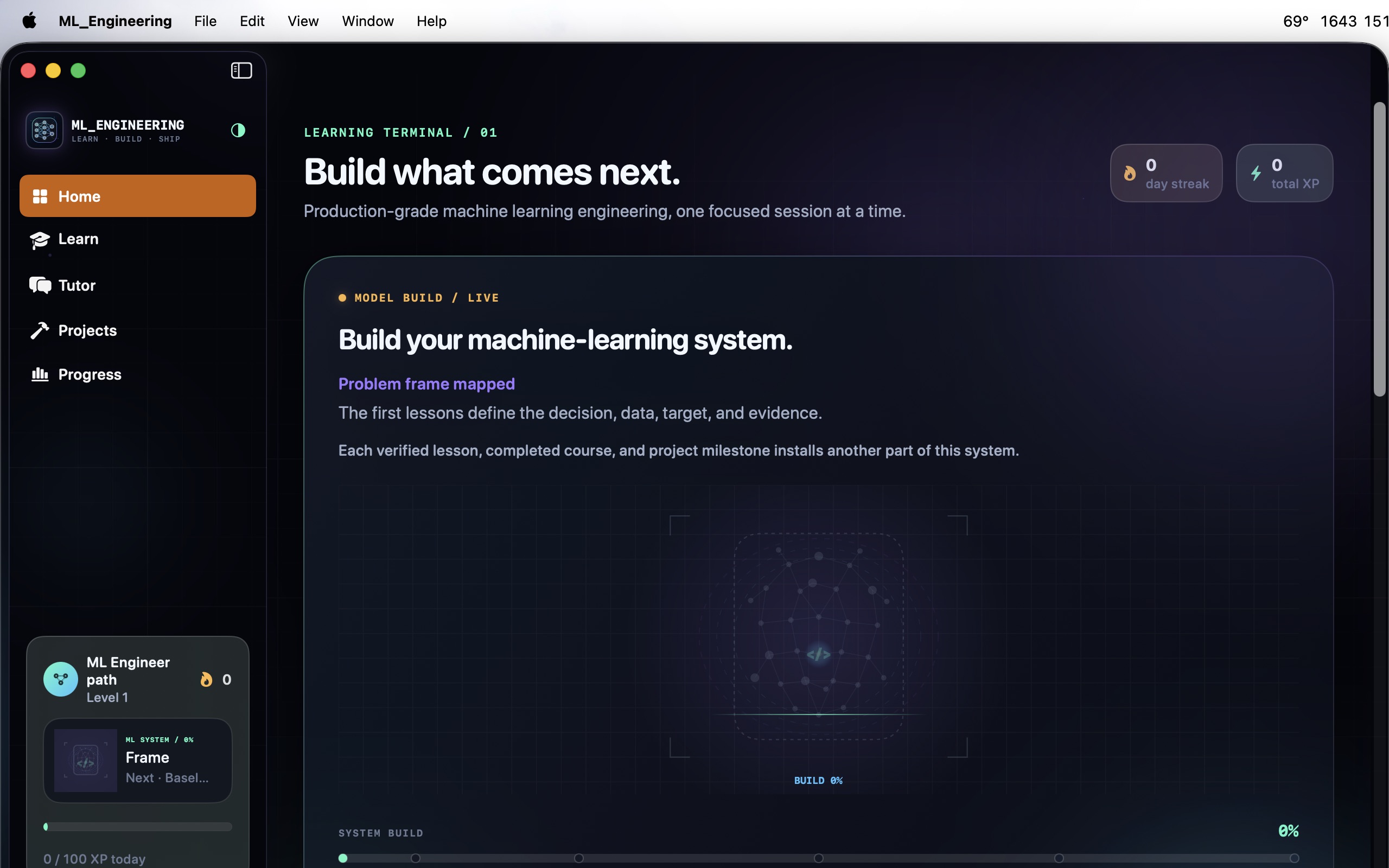
A complete ML engineering education in one app.
Every lesson pairs a substantive explanation with a practical challenge, progressive hints, validation, and feedback. The catalog holds 140 syntax-highlighted editable code labs, 100 quizzes, 80 architecture decisions grounded in production trade-offs, and 80 guided concept exercises.
The curriculum
From first Python to principal ML engineer.
The 40-course path starts with basic arithmetic and ML mental models, builds classic machine learning properly before deep learning, and finishes in production systems and a principal ML engineering capstone.
Foundations
Basic arithmetic, ML mental models, Python, NumPy, pandas, and statistics: the path genuinely starts from zero.
Classic machine learning
Exploration, feature engineering, supervised regression and classification, evaluation, unsupervised learning, ensembles, and optimization.
Deep learning
Neural networks and PyTorch, then applied tracks in computer vision, NLP, forecasting, and recommendation systems.
Production ML
Experimentation, pipelines, feature stores, model serving, MLOps, monitoring, and drift: where notebooks become systems.
Scale and responsibility
Responsible ML, privacy, distributed training, accelerators, and LLM systems.
Principal level
ML platforms, technical leadership, and the principal ML engineering capstone.
A real learning workspace
Lessons, projects, tutor, and progress in one native app.
These are the actual app surfaces: the searchable course catalog, editable project workspaces, the Tutor Core chat, and a progress profile, in adaptive light, dark, and system themes.
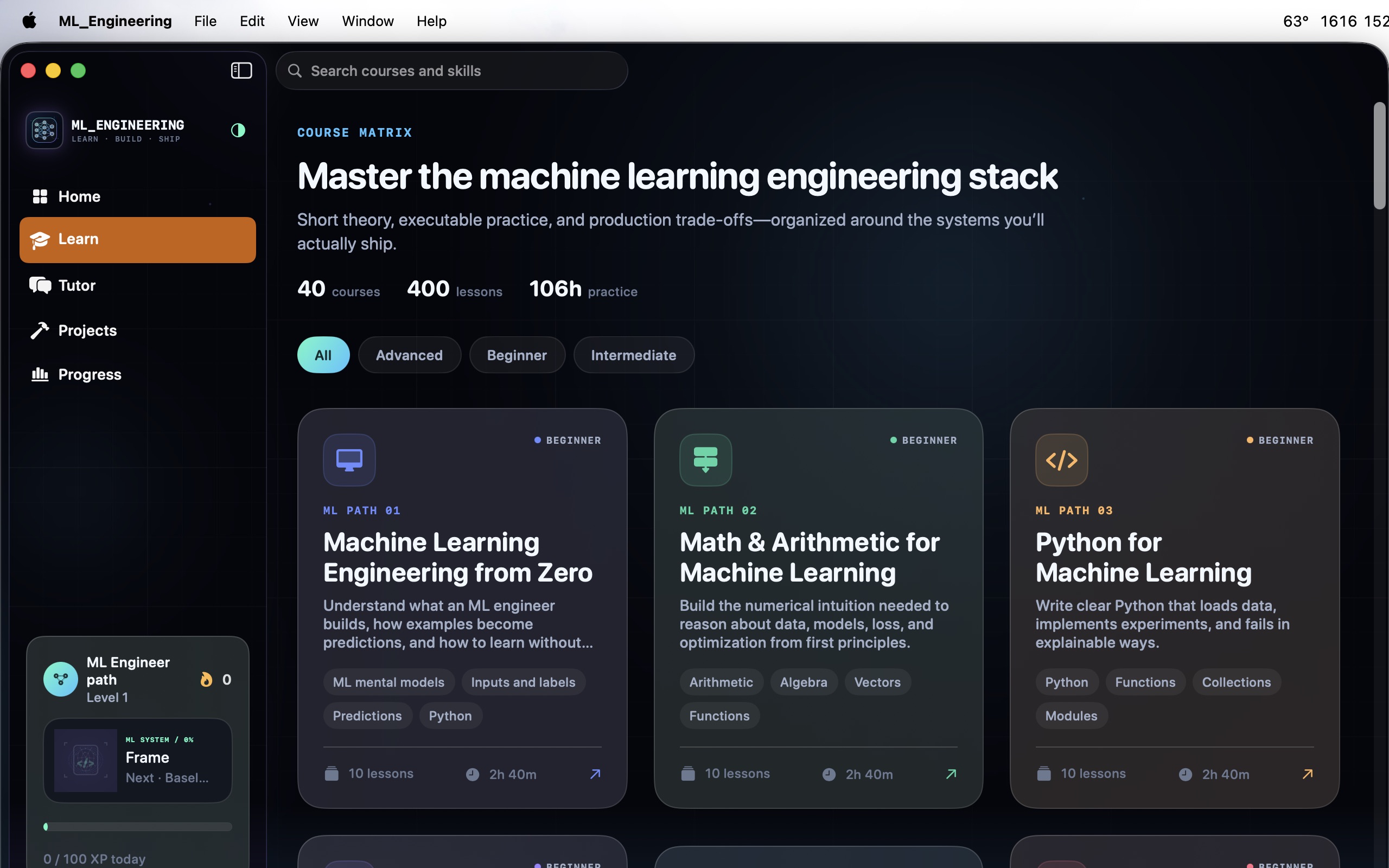
40-course catalog
Search and filter the full catalog, open course maps, and track completion from first Python to principal-level ML platforms.
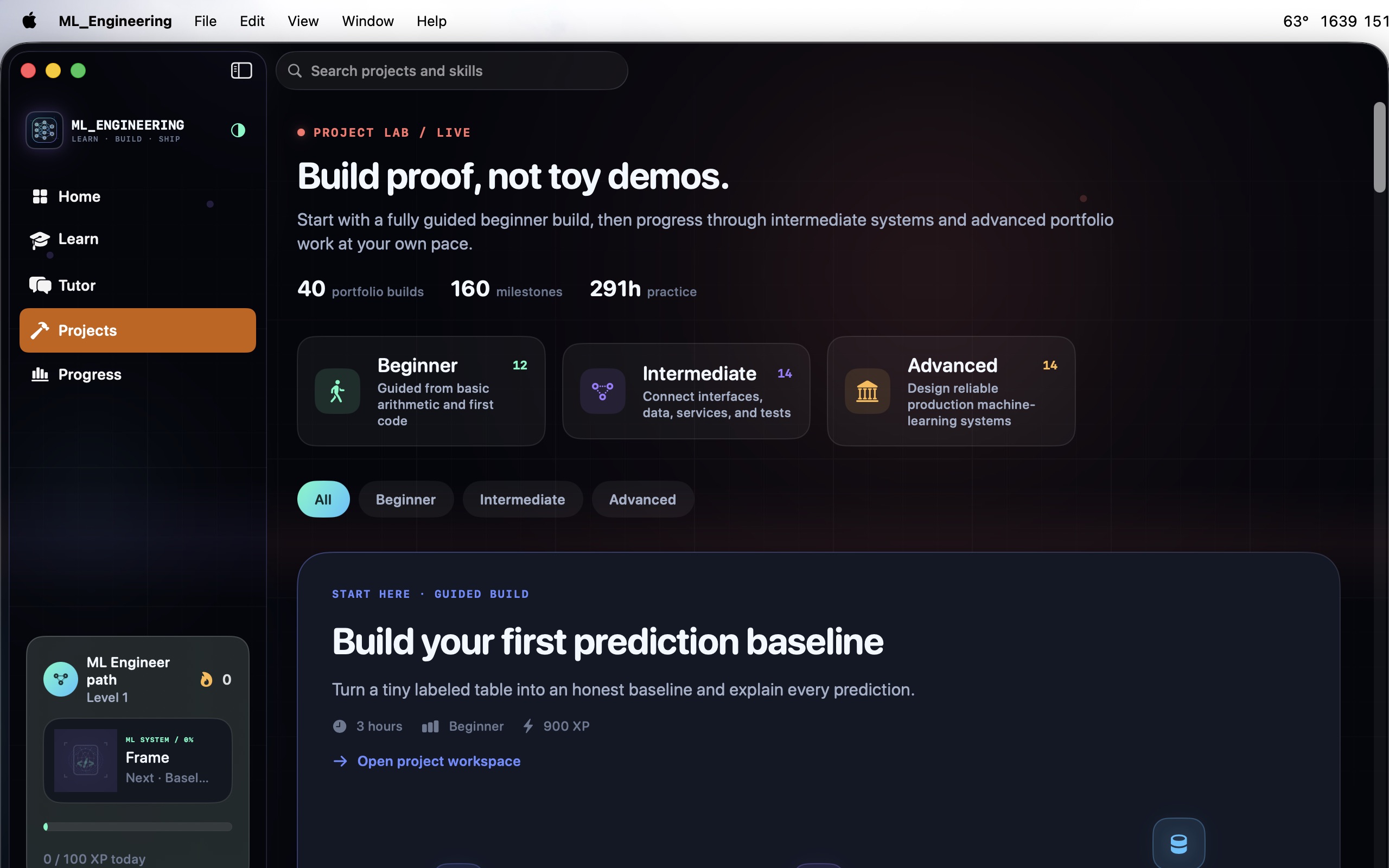
40 portfolio projects
12 beginner, 14 intermediate, and 14 advanced builds with editable workspaces, hints, solutions, validation, and milestones.
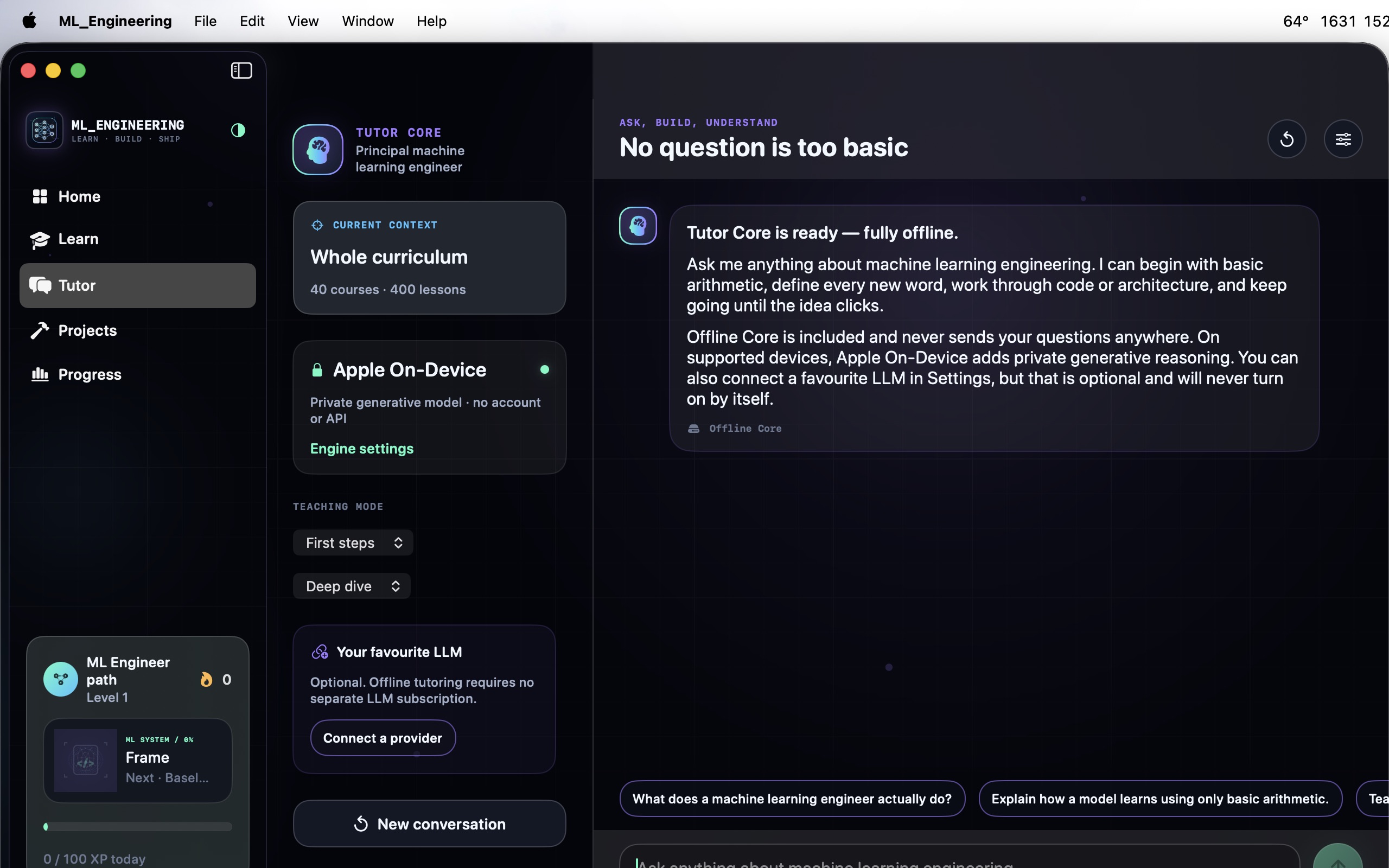
Tutor Core: private AI tutoring
A curriculum-grounded tutor that works fully offline, explains intuition before mechanics, and can diagnose code and model-system choices.
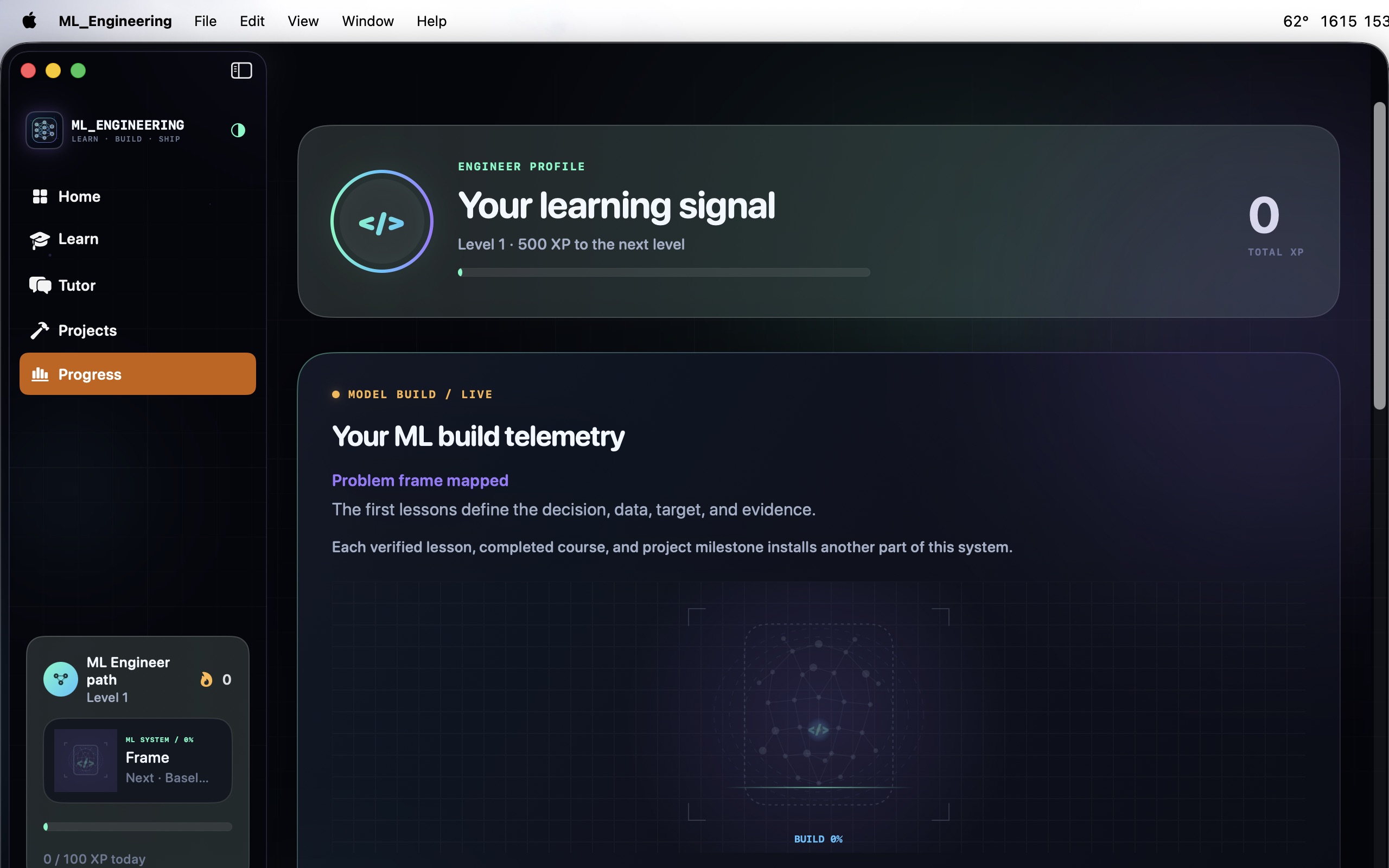
Watch your ML system get built
A live ML-system construction scene advances as you verify lessons, finish courses, and hit project milestones.
How to use ML Engineering
A learning loop that starts from zero.
The early courses assume only basic arithmetic. The fastest way through is short, active daily sessions: one lesson, one real attempt, one honest check.
Follow the path in order
Classic ML before deep learning, deep learning before production systems. The ordering is the curriculum's main advantage; use it.
Type every solution
Code labs are editable and validated locally. Write the NumPy, pandas, and PyTorch yourself; fluency lives in your fingers.
Ask the tutor in context
Tutor Core knows which lesson or project you are on and answers offline. Ask it for the intuition behind a loss curve, a leakage bug, or a serving choice.
Build the portfolio
Work project briefs in order with their milestones, from first models to production pipelines and serving.
Train production judgment
The 80 architecture decisions rehearse the trade-offs interviews probe: batch vs realtime serving, retrain vs monitor, feature store vs inline features.
Keep the streak
XP, daily goals, streaks, bookmarks, and role readiness persist locally on your Mac. Short daily sessions compound.
Private by design
Your tutor and your progress live on your Mac.
Tutor Core never requires a developer API key or a separate LLM subscription. The offline core retrieves relevant bundled lessons and projects, defines jargon, and starts from basic arithmetic when needed. Connected providers are optional and only used when you explicitly enable them.
- Offline tutor engine grounded in the 400-lesson curriculum
- On-device generation on supported Apple hardware
- Optional bring-your-own provider with your own credential, stored in Keychain
- Local model servers: auto-detected Ollama and LM Studio
- Local progress: XP, streaks, bookmarks, and milestones stay on device
- Adaptive themes: light, dark, and system on iPhone, iPad, and Mac
- Works on
- macOS 14+ (Apple Silicon and Intel)
- Curriculum
- 40 courses, 80 modules, 400 interactive lessons
- Practice
- 140 code labs, 100 quizzes, 80 architecture decisions, 80 exercises
- Projects
- 40 portfolio builds with workspaces and milestones
- Privacy
- Tutor and progress run locally; no account needed
Support the project
Support the project and download ML Engineering.
ML Engineering packs a complete, production-oriented machine learning curriculum, a 40-project portfolio lab, a private offline tutor, and a progress system into one native Mac app. Donate what you like to support the project and download it straight away. Each download link works once.
ML EngineeringNative MacLearn · Tutor · Projects · Progress, all in one app.
Get the software
Support the project and download a build.
Donate what you like, pick your product and your computer type, and download it right after checkout. Each download link works once and expires after a while.