
 Recastany → any converter
Convert almost any file to almost any format, privately.
Recast knows 58 formats and 589 conversion paths. Give it a file and a target, and it finds a supported route — even multi-step — then manages every stage for you, with batch queues, live progress and cancellation. Compatible conversions stay on your device.
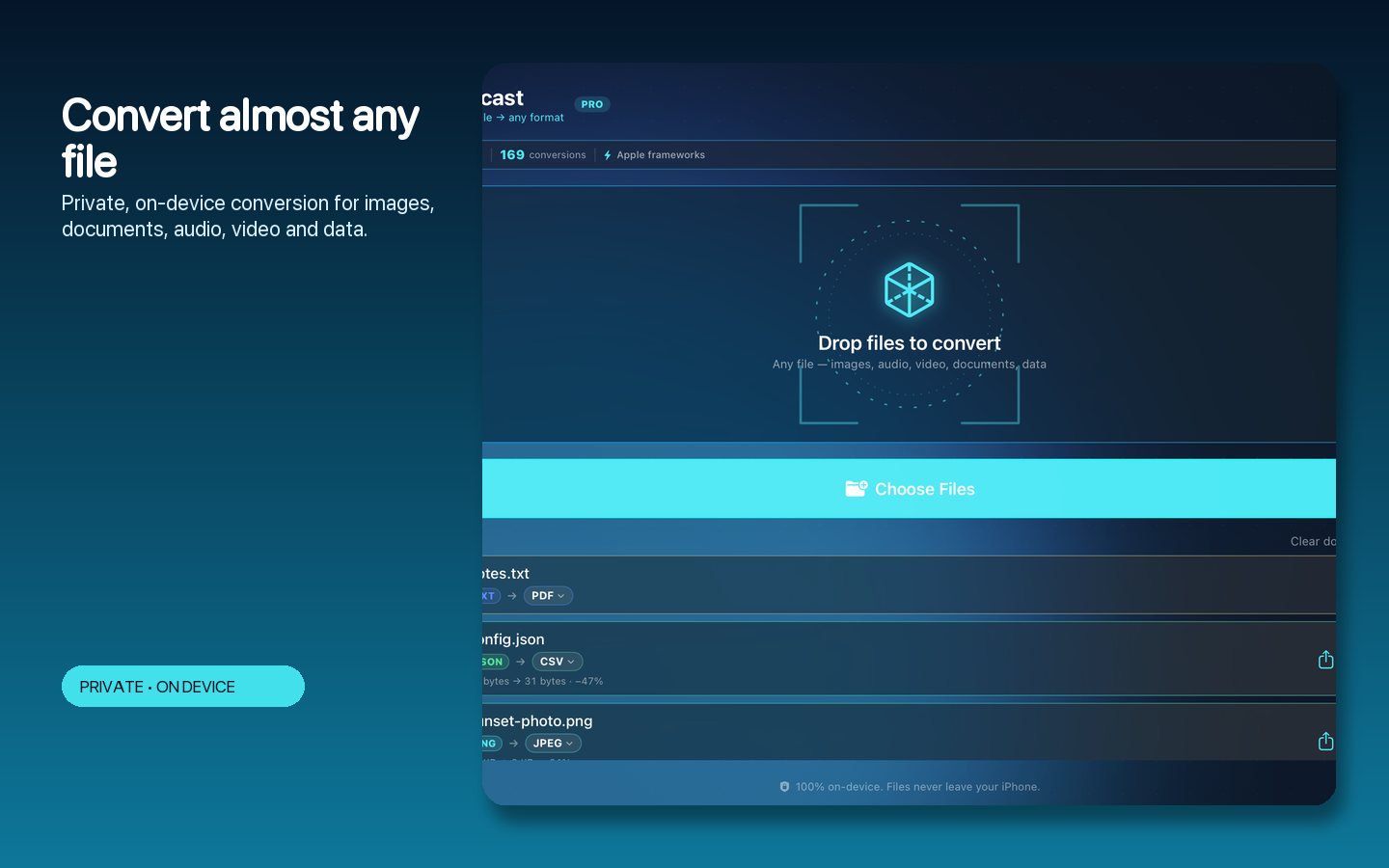
Smart routing, not just format pairs.
Recast models conversions as a capability graph and finds the best path between formats — chaining steps automatically when no direct converter exists, and telling you exactly which route it chose.
What it does
One converter for images, video, audio, documents and data.
The whole zoo of formats through one calm, native workspace.
Images
Between all the majors — HEIC to JPEG, PNG to WebP, TIFF, GIF and more, with quality control.
Video and audio
Modern codecs with live, cancellable progress on long jobs.
Documents
PDFs, office documents, Markdown and HTML routed through the right tools automatically.
Smart multi-step routing
No direct path? Recast chains conversions through intermediate formats and shows you the route.
Batch workflows
Queue files and folders, tune quality once, and export the lot without uploading anything.
Shortcuts integration
A Convert File action for the Shortcuts app, so conversions can join your automations.
Inside the app
A calm queue, not a tangle of dialogs.
The actual app: source list, format targets, and per-file progress.
Pick targets
Drop files in, choose the output format, and see the chosen conversion route.
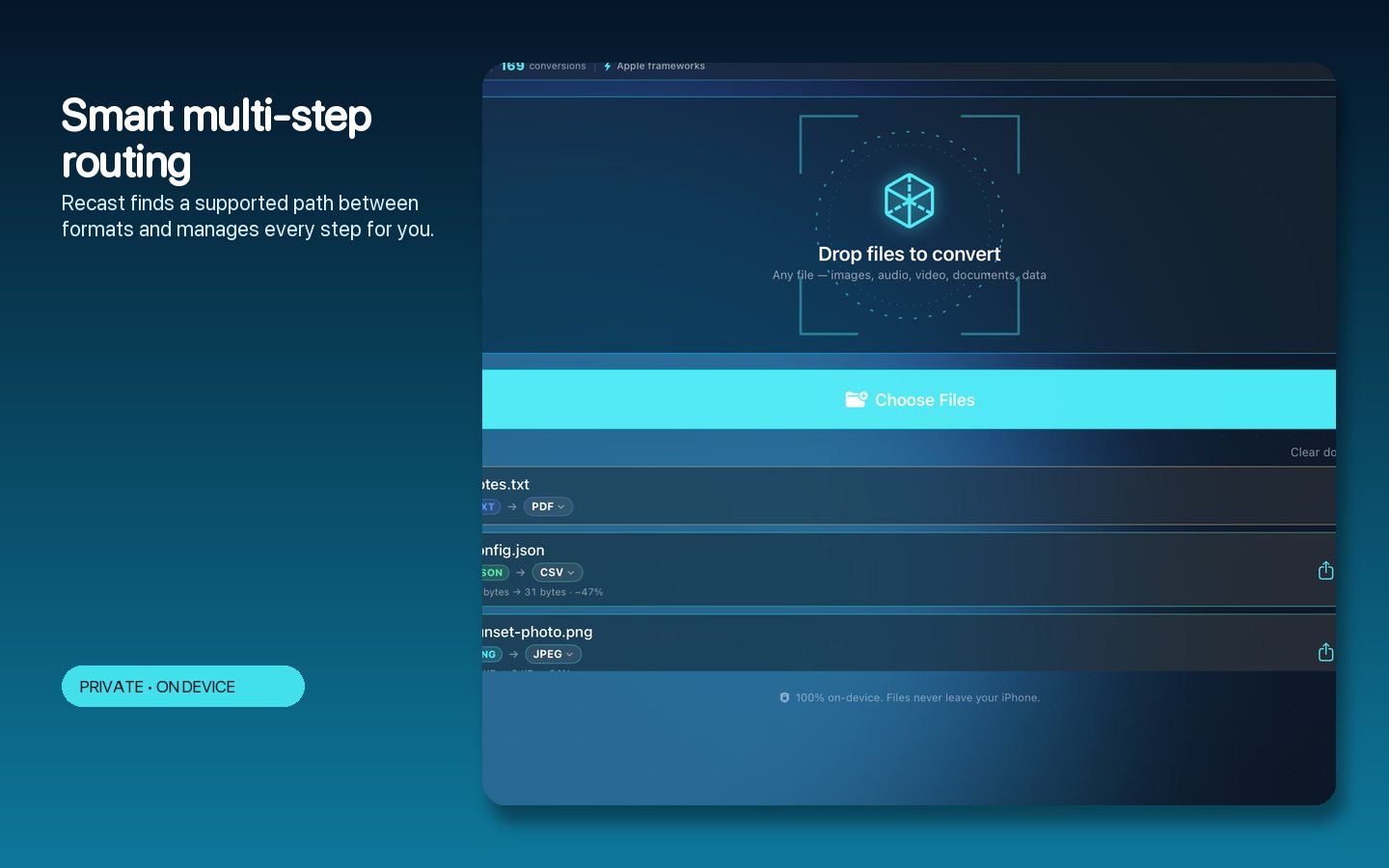
Watch it work
Per-file live progress with cancellation on long video jobs.
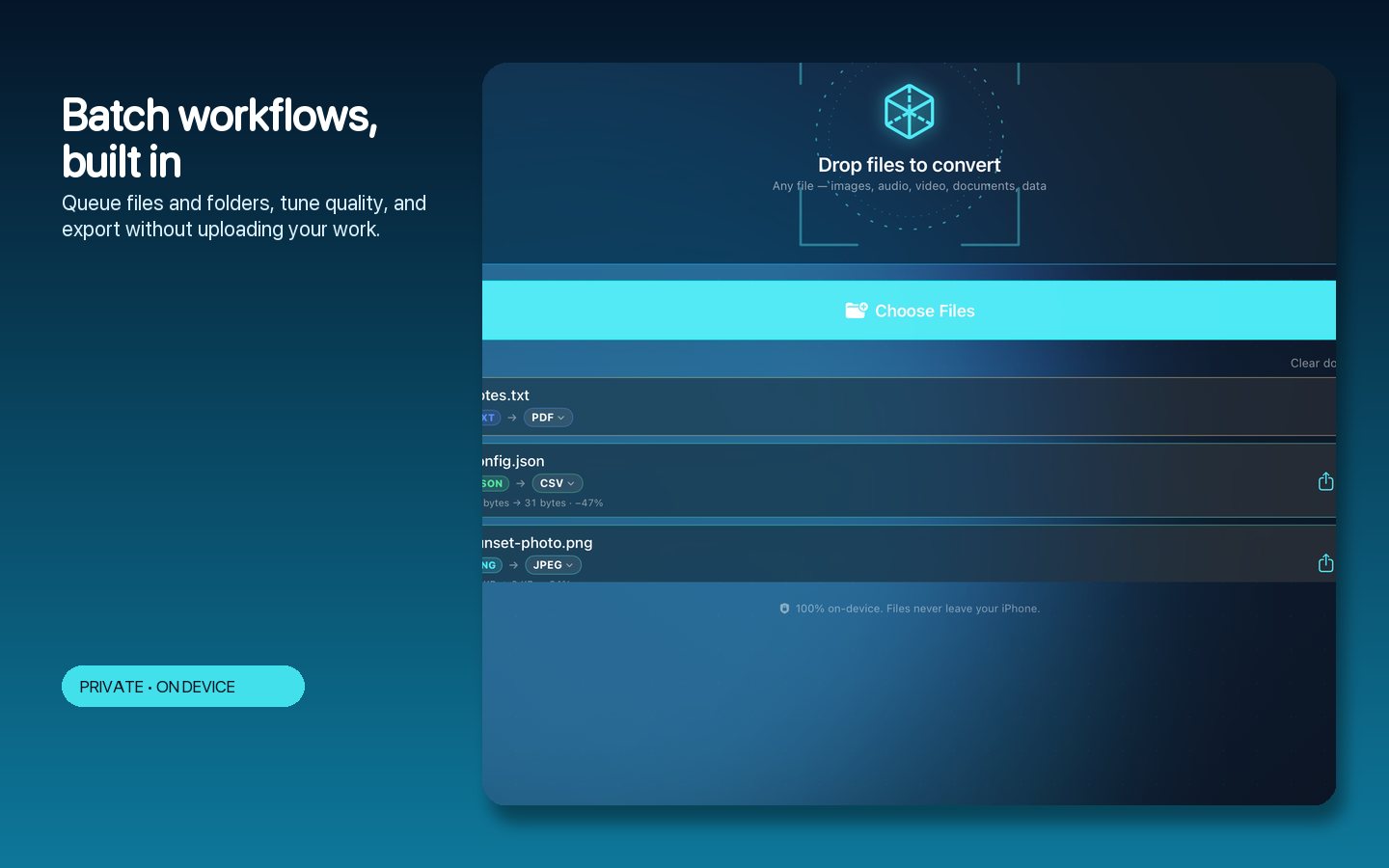
Batch it
Whole folders queued with one quality setting applied across the set.
How to use Recast
Three steps, any format.
Built to make the annoying thing instant.
Drop files
Single files or whole folders — Recast identifies each format instantly.
Pick the target
Choose the output; Recast finds the best route, chaining steps if needed.
Convert
Watch live progress, cancel anything, and collect the results where you want them.
Tune quality
Adjust quality and size trade-offs per batch when it matters.
Automate it
Use the Shortcuts action to convert from anywhere on your Mac.
Stay private
Compatible conversions run entirely on-device.
Private by design
Your files, converted at home.
Recast performs compatible conversions locally on your Mac — no upload services, no waiting on someone else's server, no size limits from a web tool.
- Capability-graph routing that finds multi-step paths automatically
- Live, cancellable progress on long video conversions
- Batch queues for files and folders
- Quality controls per conversion batch
- Shortcuts action for automation
- No account, no upload for compatible conversions
- Works on
- macOS 14+ (Apple Silicon and Intel)
- Formats
- 58 across images, video, audio, documents, data
- Paths
- 589 direct and multi-step routes
- Automation
- Shortcuts 'Convert File' action
- Privacy
- On-device conversion
Support the project
Support the project and download Recast.
Recast replaces the sketchy converter websites: faster, private, batch-capable, and it understands more formats than you'll ever need. Donate what you like to support the project and download the full app straight away. The download is the complete, fully activated app — every feature included. Each download link works once.
RecastNative MacAny file. Any format. No upload.
Get the software
Support the project and download a build.
Donate what you like, pick your product and your computer type, and download it right after checkout. You always receive the complete, fully activated app. Each download link works once and expires after a while.