
 SpaceLensstorage, visualized
See what fills your storage. Clean it without guesswork.
SpaceLens scans your Mac at up to ~230,000 files per second, draws your storage as an explorable sunburst and treemap, surfaces large files, verified duplicates and developer build debris, and cleans through a reviewable basket with built-in undo.
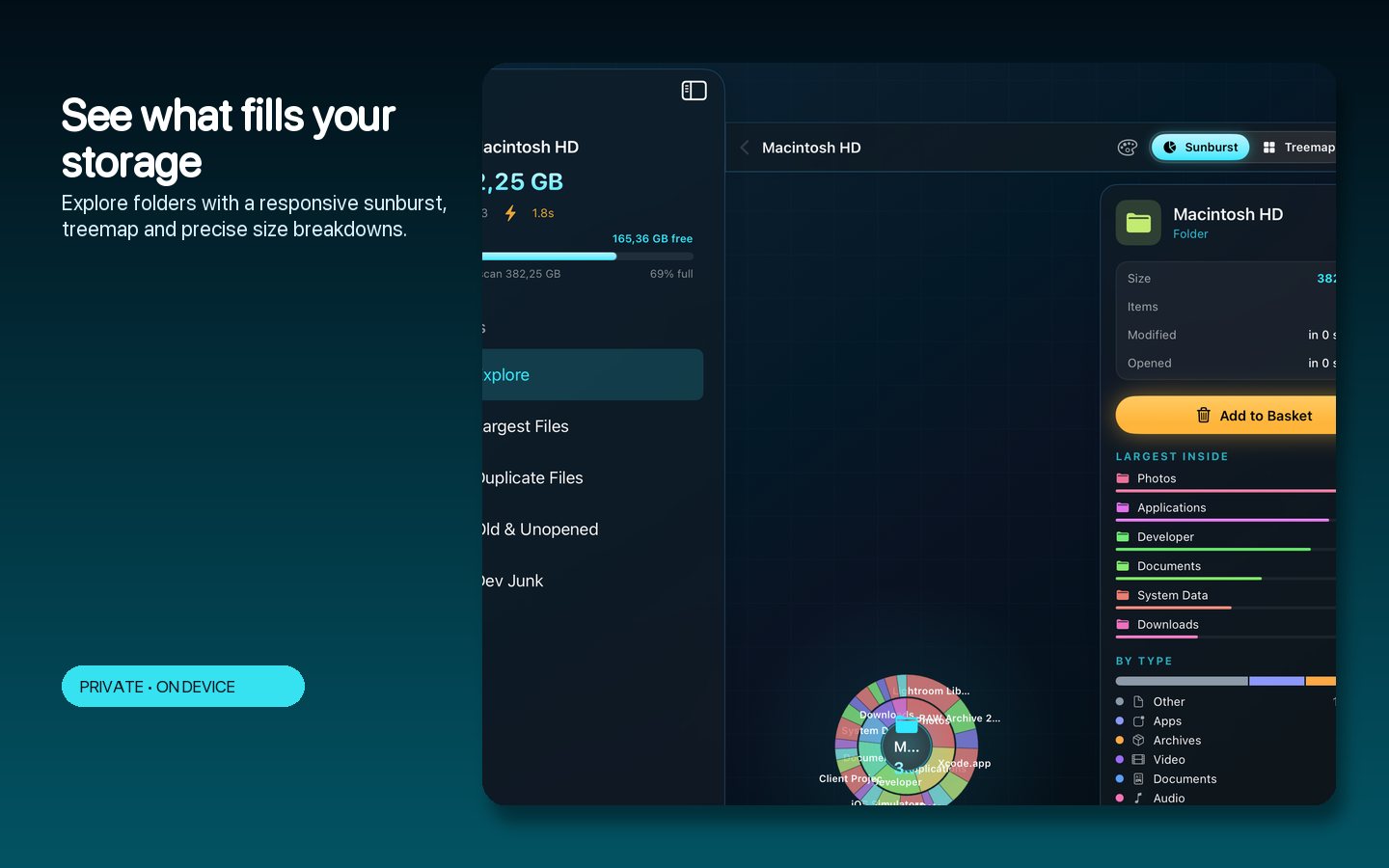
A scanner built for speed, a UI built for confidence.
The scanner reads the filesystem with low-level bulk APIs and verifies its numbers against reality. The interface turns those numbers into something you can actually reason about — then double-checks every deletion with a review step and undo.
What it does
From mystery 'System Data' to named, sized folders.
Explore, verify, and reclaim — without deleting blind.
Blazing scans
Low-level bulk filesystem reading with sharded traversal — hundreds of thousands of files per second when warm.
Sunburst and treemap
Explore storage visually, zoom into any folder, and see exact sizes at every level.
Smart finders
Large files, old downloads, verified duplicates and developer build debris surfaced automatically.
File-type breakdown
Understand where the gigabytes actually are: video, apps, caches, code, documents.
Cleanup basket with undo
Collect candidates into a basket, review the total, then move to Trash with one action — and undo if you change your mind.
Menu-bar watcher
A lightweight storage watcher keeps an eye on free space from the menu bar.
Inside the app
Storage you can actually navigate.
The actual app: the sunburst explorer, the finders, and the cleanup basket.
The sunburst
Your whole disk in one navigable picture — click any ring to dive deeper.
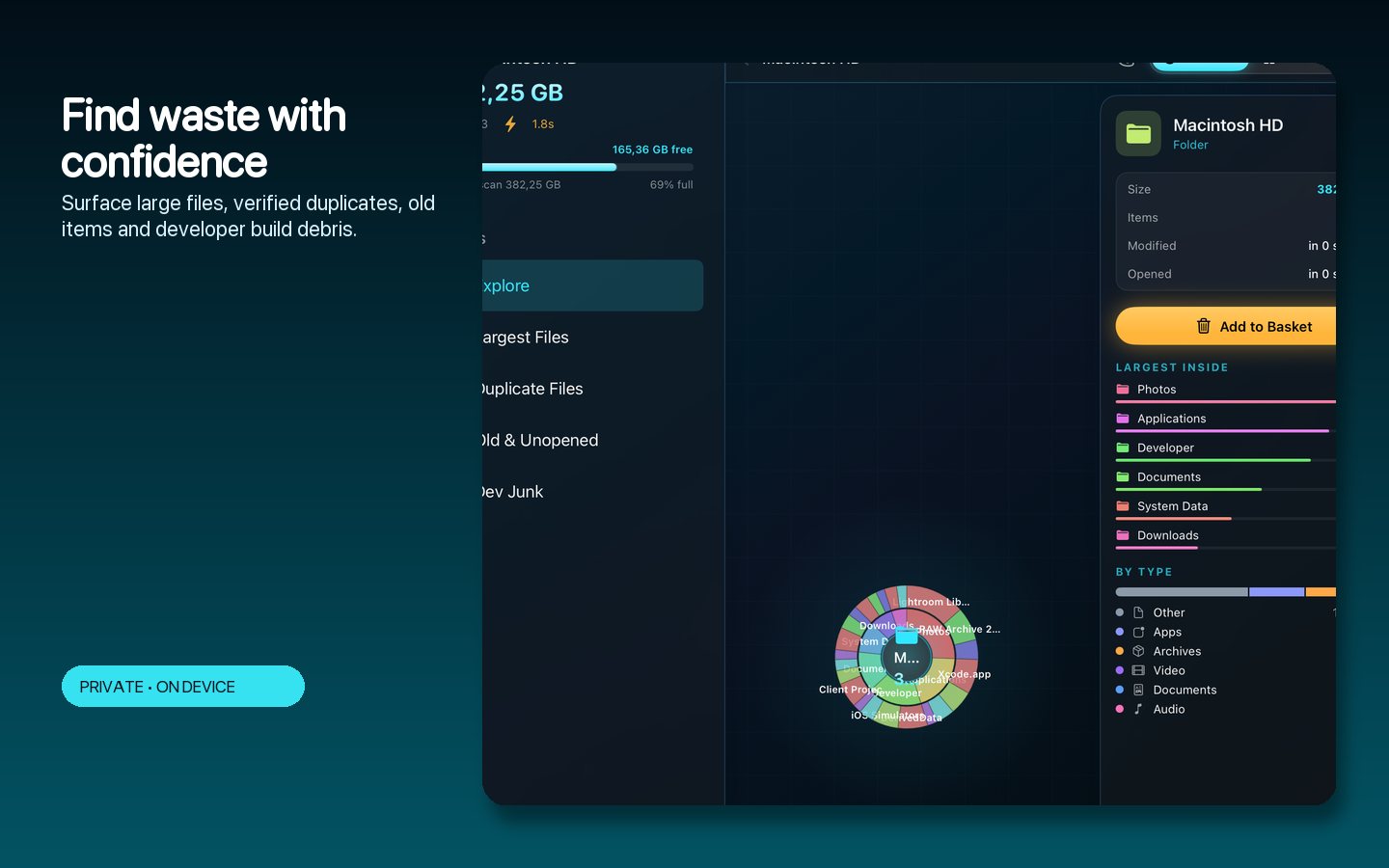
Smart finders
Large files, duplicates and build debris grouped with honest, verified sizes.
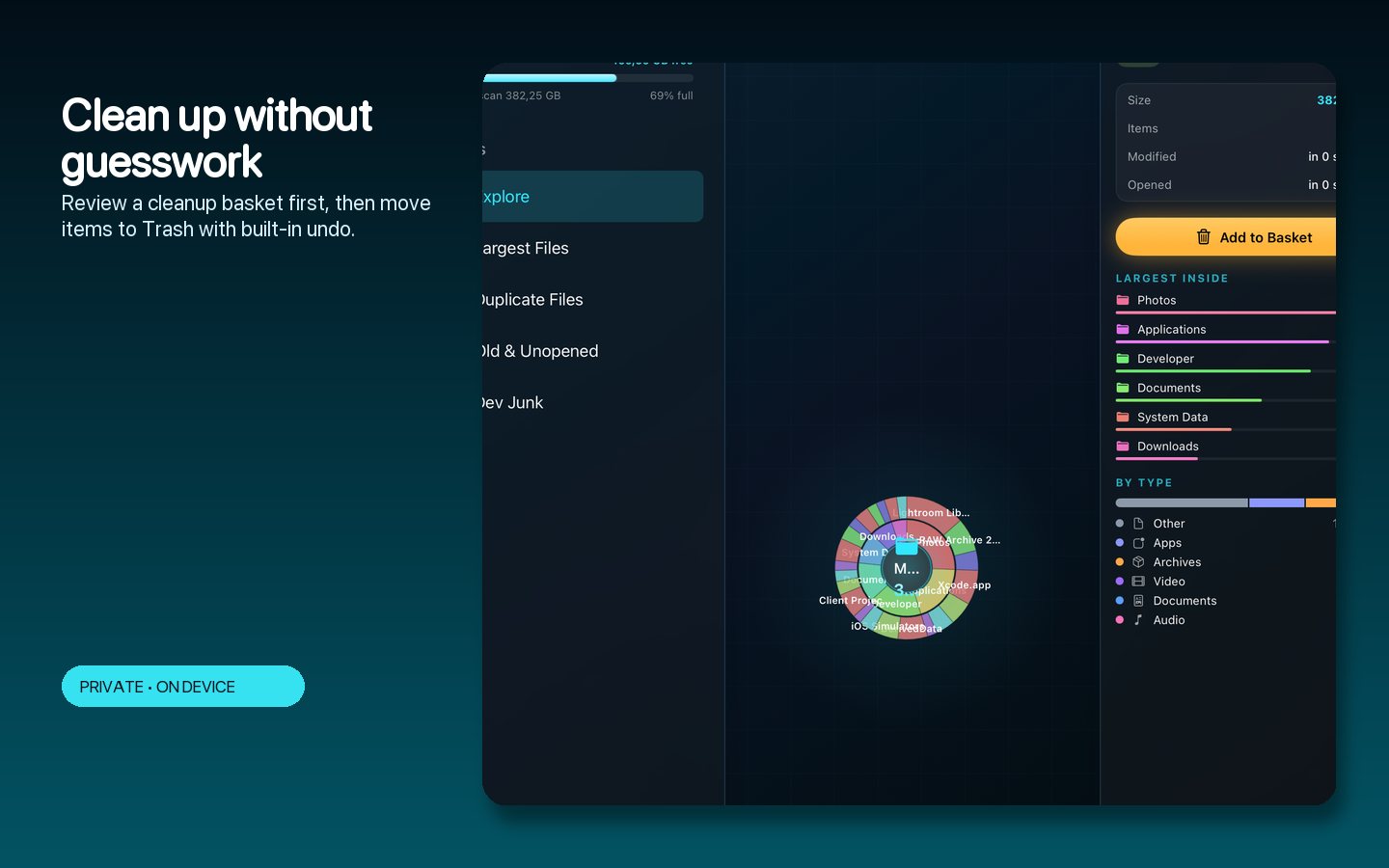
The basket
Review everything before it moves to Trash; undo brings it back.
How to use SpaceLens
Reclaim gigabytes in one session.
A workflow designed around confidence, not fear.
Scan
Point SpaceLens at your disk or any folder; warm scans finish in seconds.
Explore
Navigate the sunburst or treemap until the big folders have names.
Check the finders
Review large files, duplicates, old downloads and developer debris.
Fill the basket
Add candidates while you browse; the running total shows what you'll get back.
Review and clean
One look at the basket, one action to Trash, undo if needed.
Keep watch
The menu-bar watcher warns you before the disk fills again.
Private by design
Scans your disk. Tells no one.
Everything runs locally — the scanner, the visualizations, the finders. No account, no telemetry.
- Verified sizes cross-checked against system tools
- Duplicate verification before anything is grouped
- Trash-based cleanup with undo — never hard deletes
- Keyboard navigation and global search across the scan
- Menu-bar free-space watcher always on if you want it
- No account, no cloud and no tracking of any kind
- Works on
- macOS 14+ (Apple Silicon and Intel)
- Scanner
- Bulk filesystem APIs, ~230k files/sec warm
- Views
- Sunburst, treemap, type breakdown, finders
- Cleanup
- Reviewable basket, Trash + undo
- Privacy
- Fully local; no telemetry
Support the project
Support the project and download SpaceLens.
SpaceLens answers the question every Mac eventually asks — where did my storage go? — with speed, honest numbers and a safety net. Donate what you like to support the project and download the full app straight away. The download is the complete, fully activated app — every feature included. Each download link works once.
SpaceLensNative MacSee it. Trust it. Clean it.
Get the software
Support the project and download a build.
Donate what you like, pick your product and your computer type, and download it right after checkout. You always receive the complete, fully activated app. Each download link works once and expires after a while.